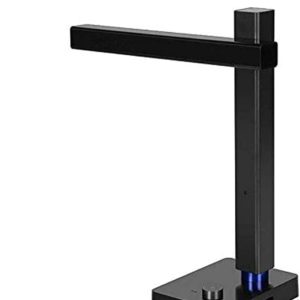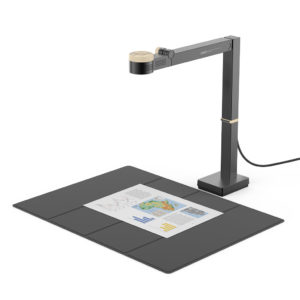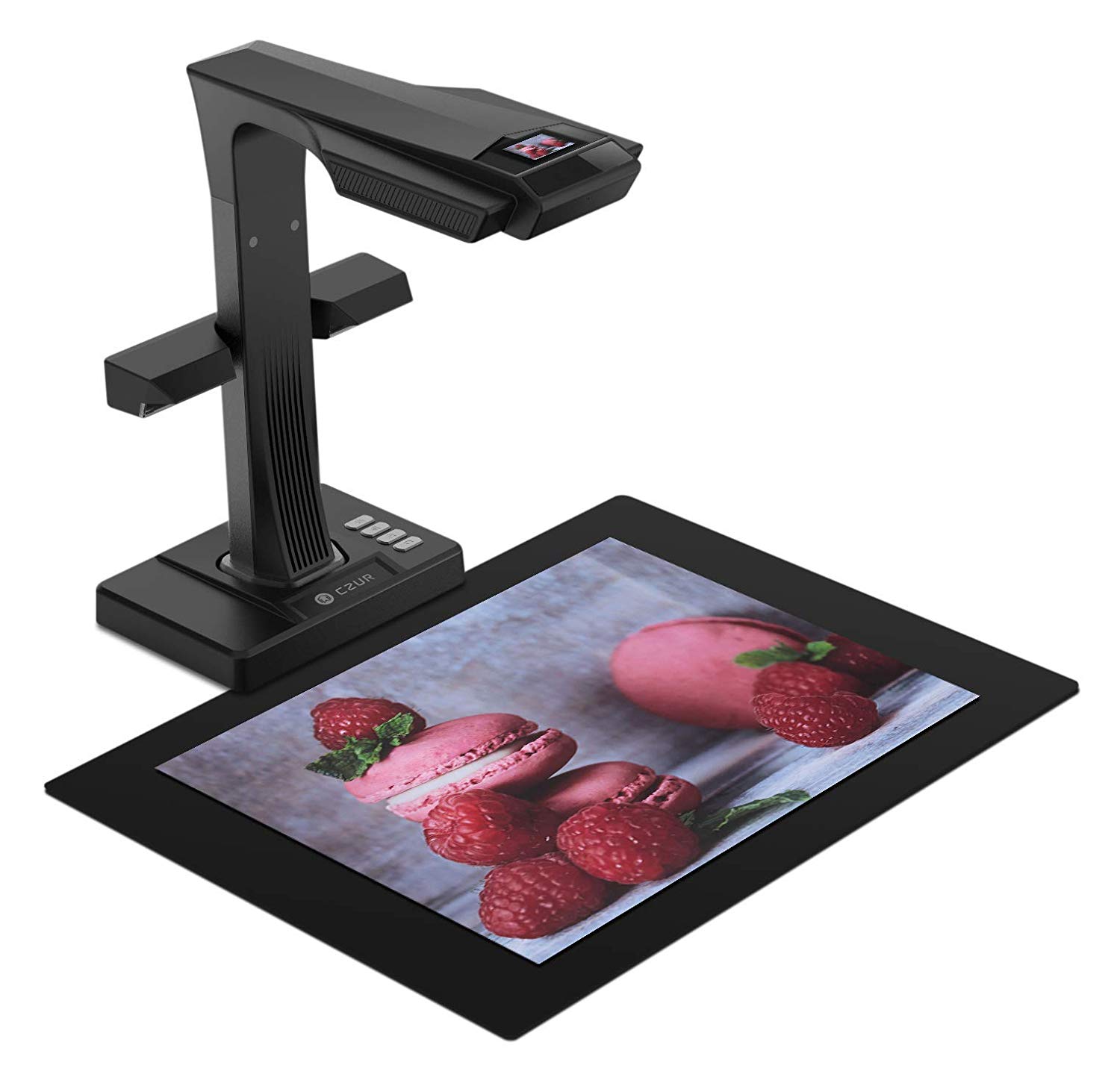
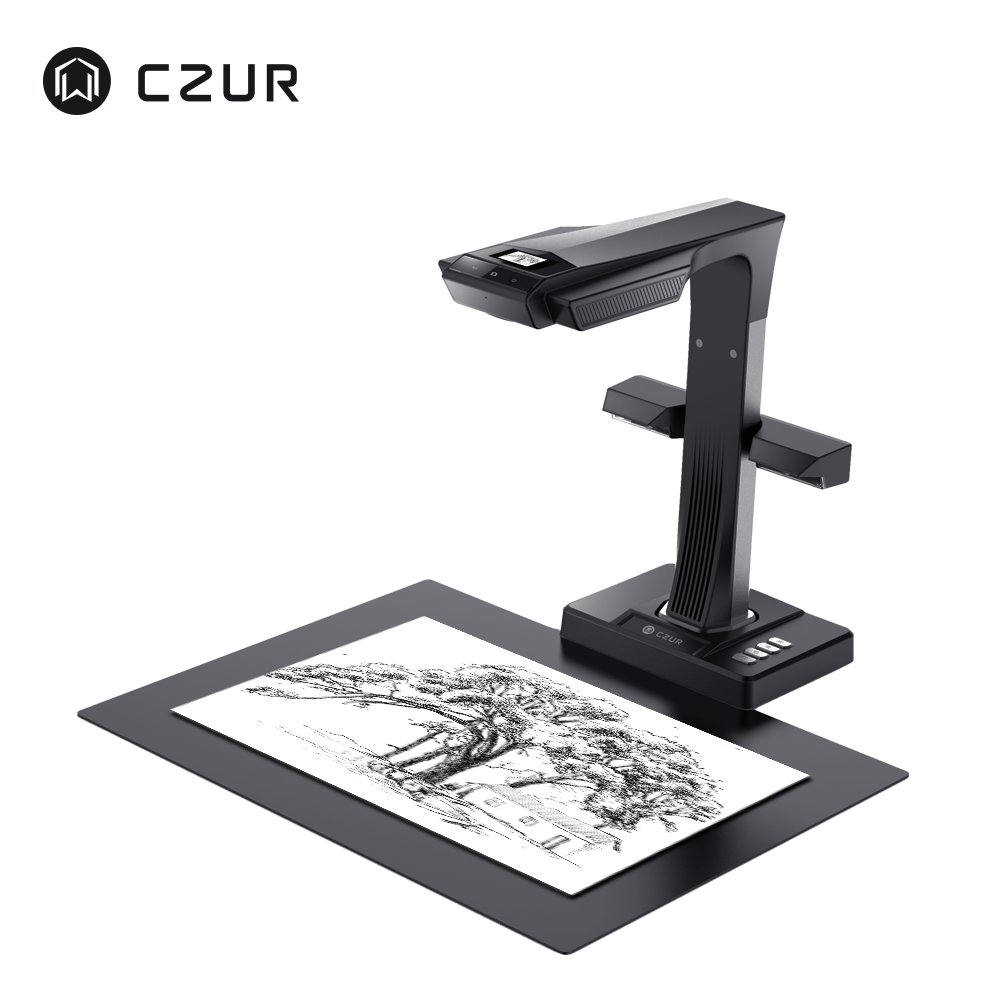
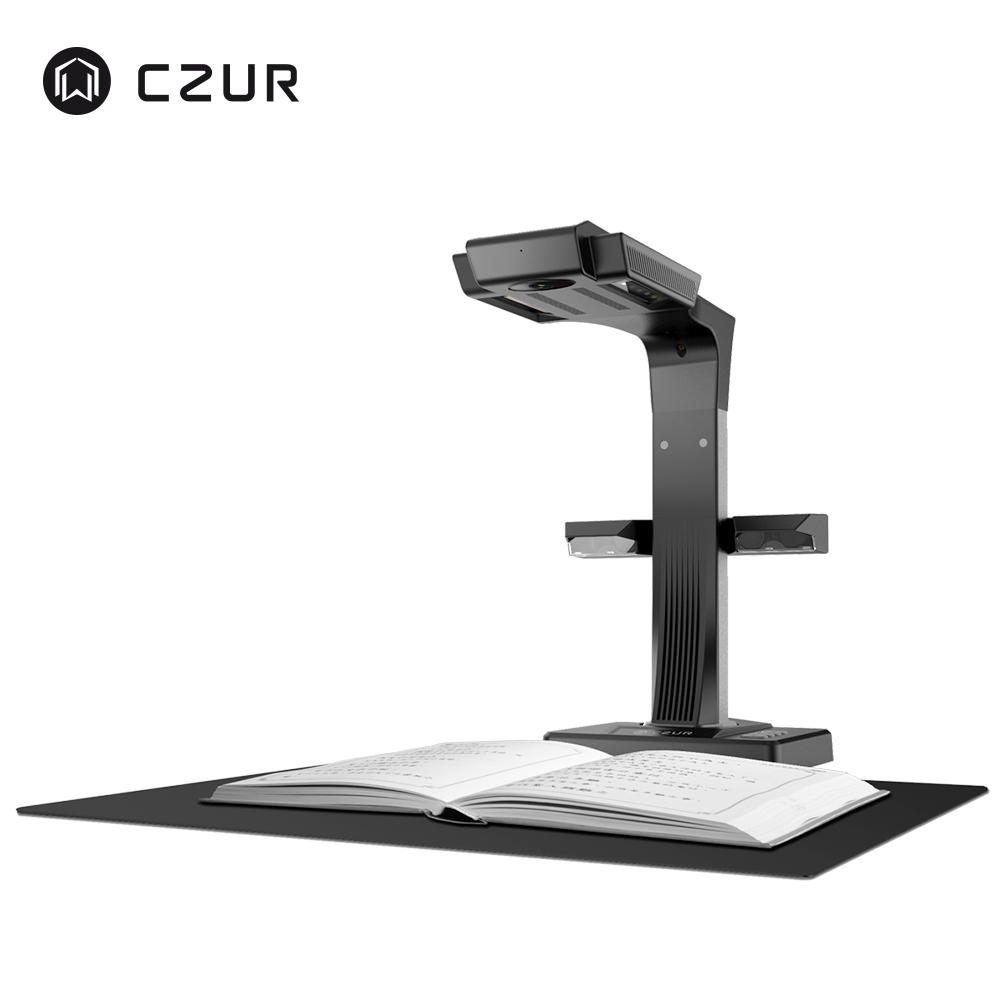
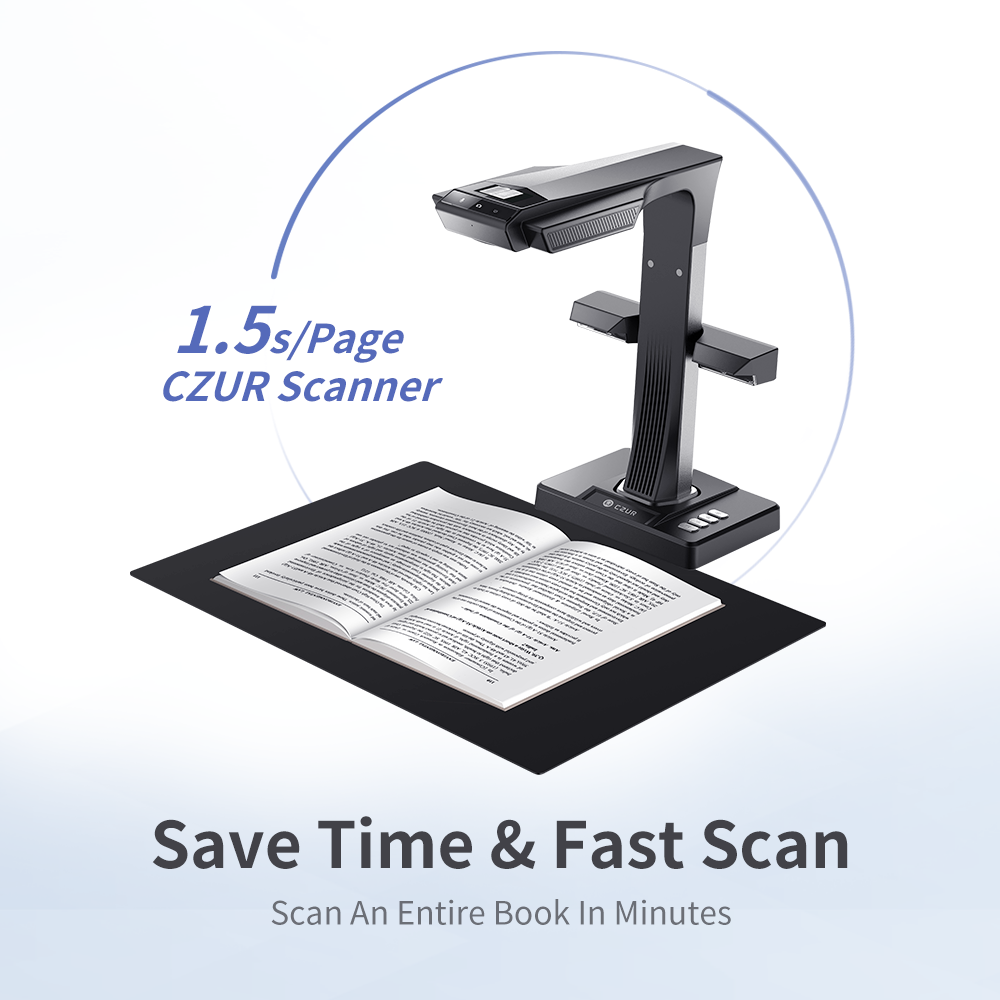
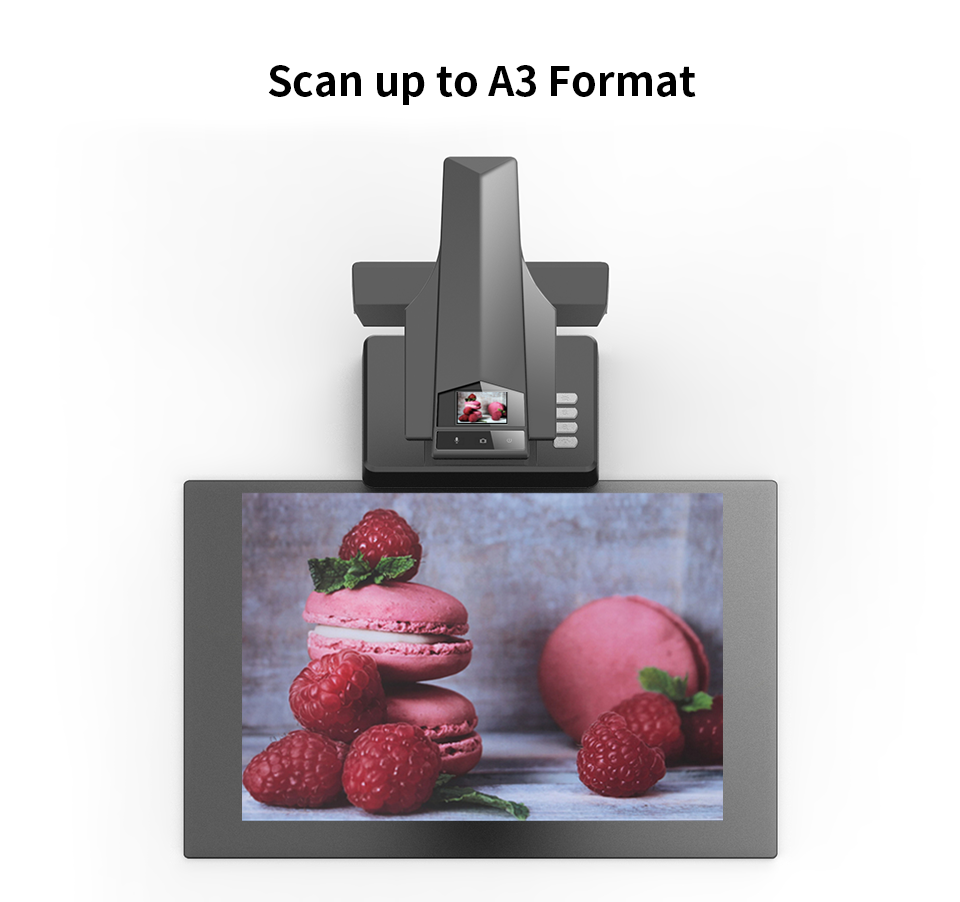
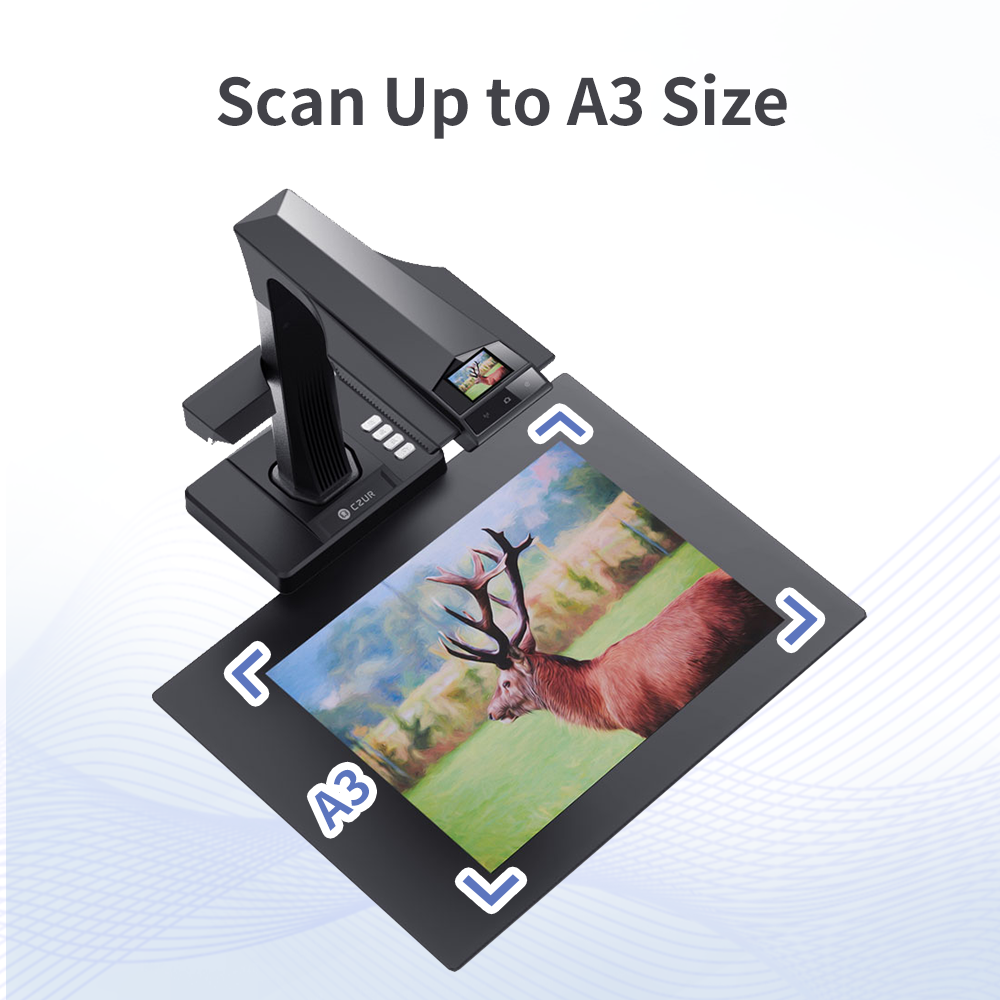
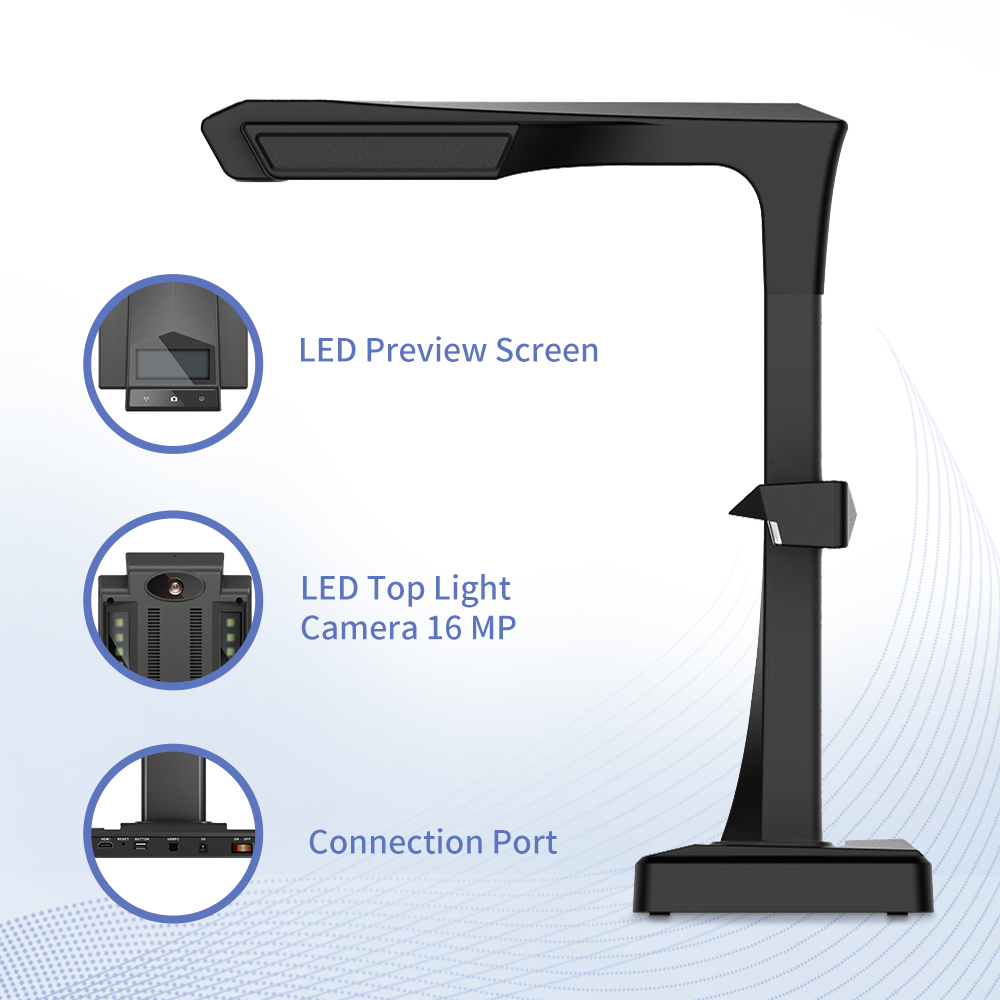
The CZUR ET Ultra is the top-end model in the CZUR ET Series, designed for fast, non-destructive scanning of books, documents, magazines, receipts, certificates and other materials up to A3 size. With a 40MP CMOS camera, up to 420 DPI default scan quality, calibrated laser-assisted Curve Flattening Technology™, OCR support, HDMI visual presenter output and fast scan speed, it offers maximum detail and clarity for demanding book scanning, document archiving and professional presentation workflows.
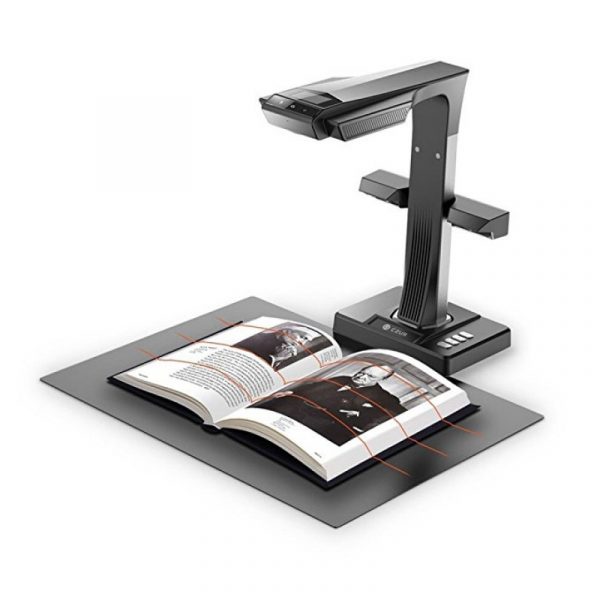
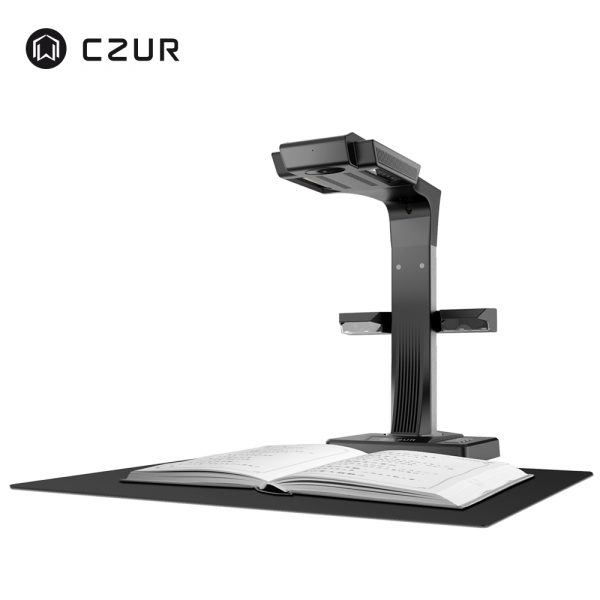
Fast book scanning without damaging the original
The ET Ultra is designed for users who need the highest-resolution ET Series scanner for books and documents without using a flatbed scanner or cutting the spine from a book. The overhead design captures pages from above, while CZUR’s software automatically improves the scanned result.
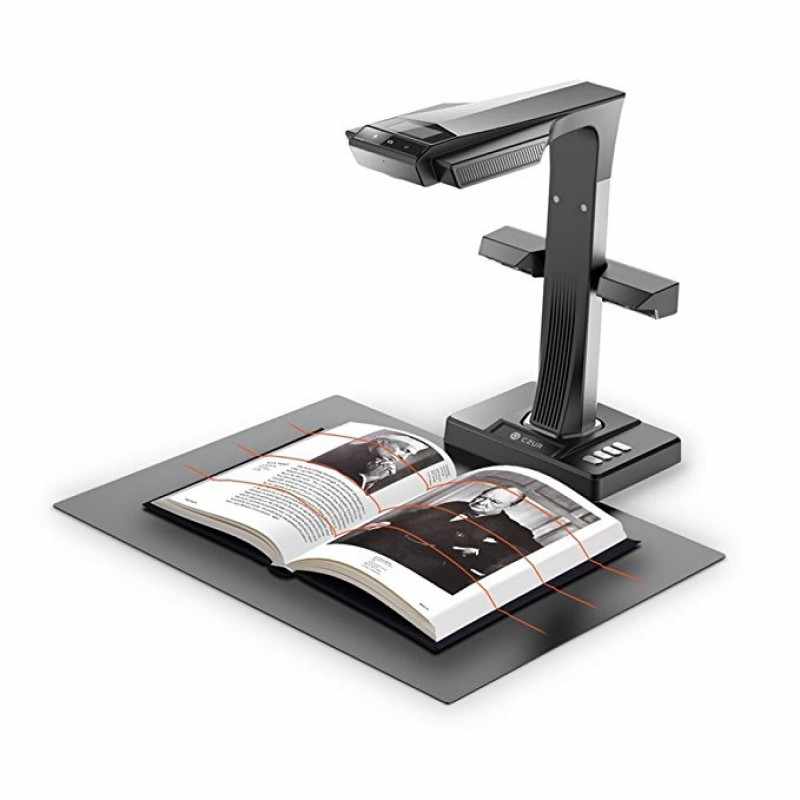
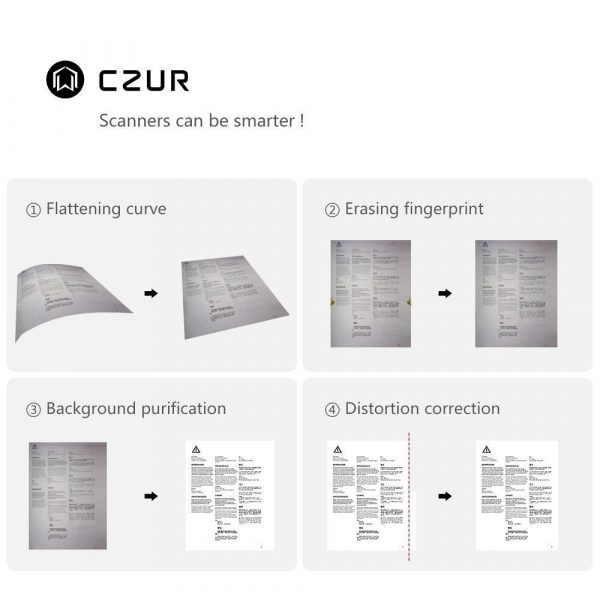
The scanner uses laser-assisted curve detection to understand the shape of book pages, then applies Curve Flattening Technology™ to reduce curvature and output cleaner, flatter page images. It can also split facing pages, remove visible fingers, correct alignment and process scans into different export formats.
Compare the full CZUR ET scanner family
The ET Ultra is the highest-resolution ET Series model, with 40MP capture, up to 420 DPI default scan quality and HDMI visual presenter support. It is the strongest choice for users who need maximum detail for book scanning, archive-quality document capture, teaching, live demonstration or professional presentation workflows. This page keeps the full ET Series comparison so customers can also understand the ET16 Plus, ET18 Pro, ET24 Pro, ET25 Pro and ET Max options.
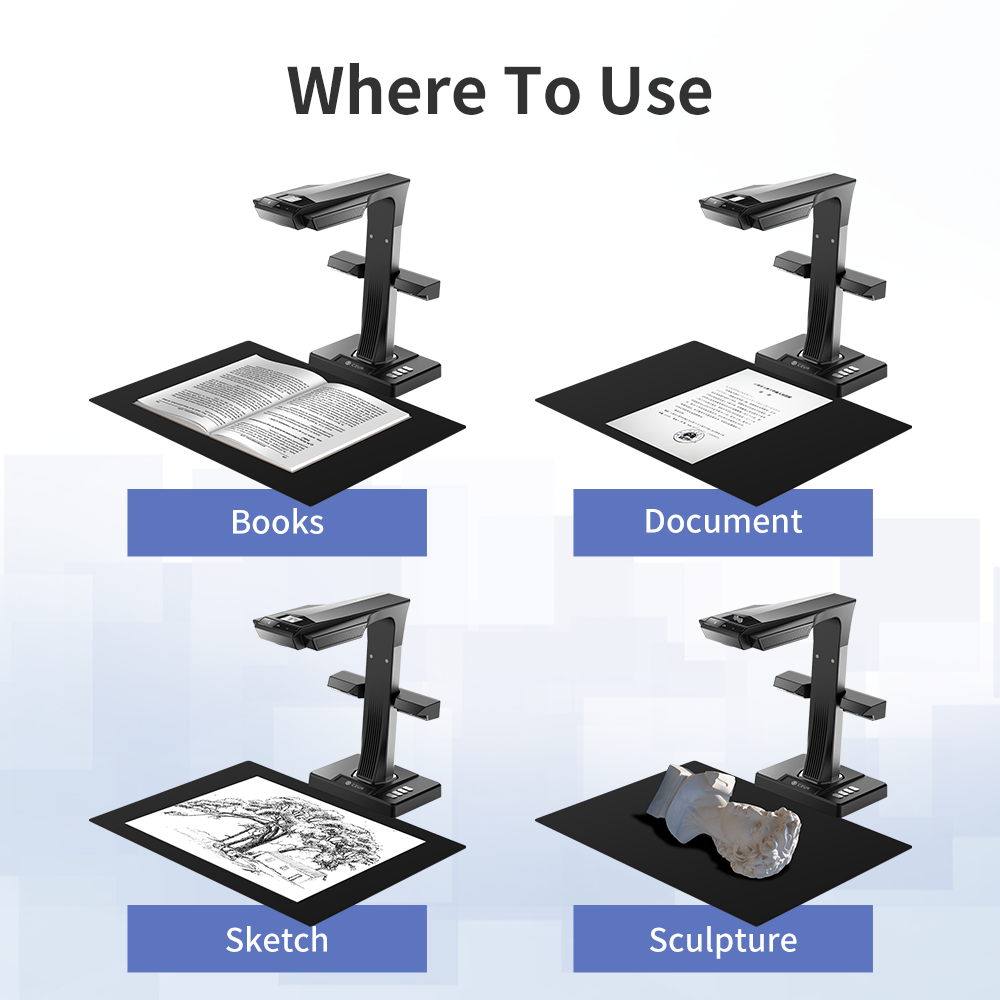
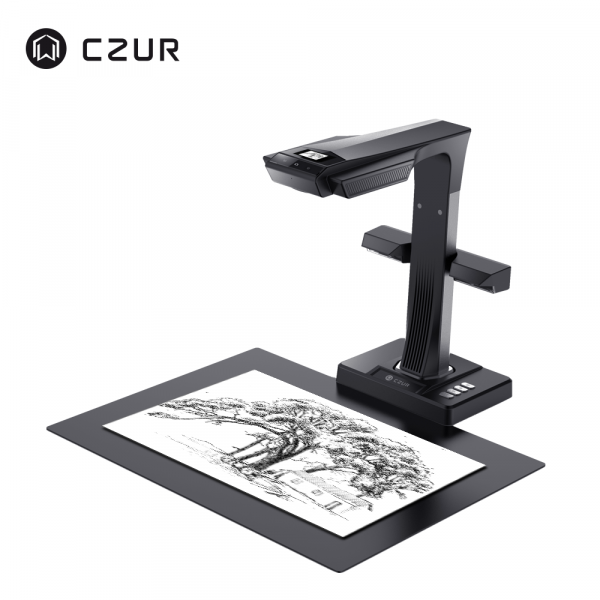
Scan books, documents, sketches and more
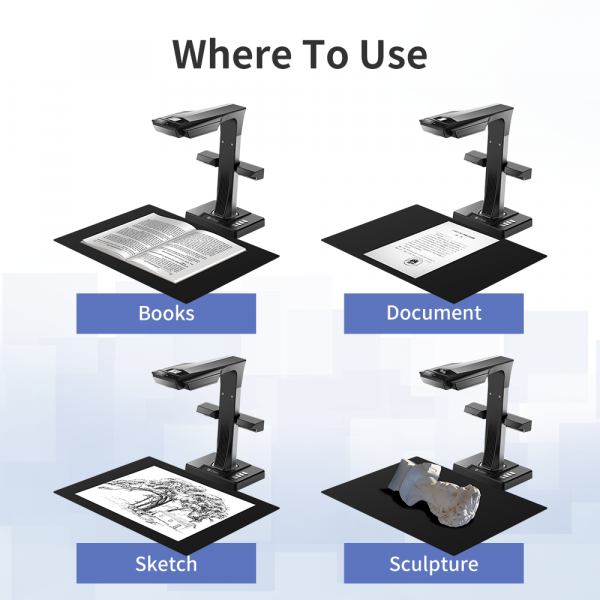
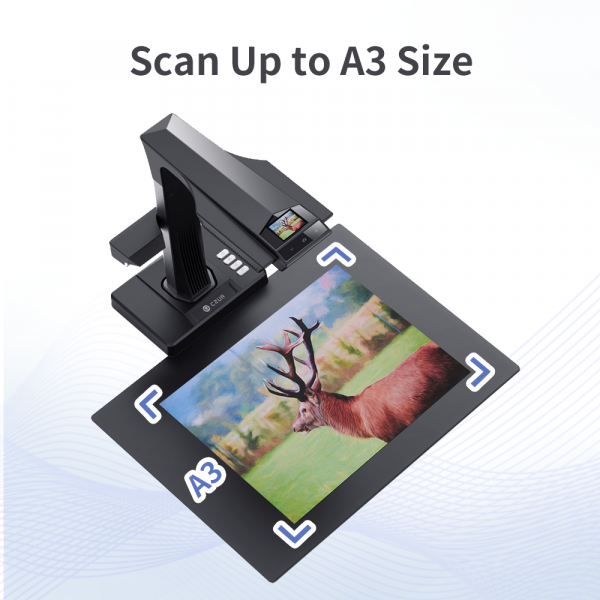
ET Series scanners can capture loose sheets, bound books, spiral notebooks, periodicals and other materials up to A3 size. They are suitable for archiving, office digitisation, education, family records and creative work.
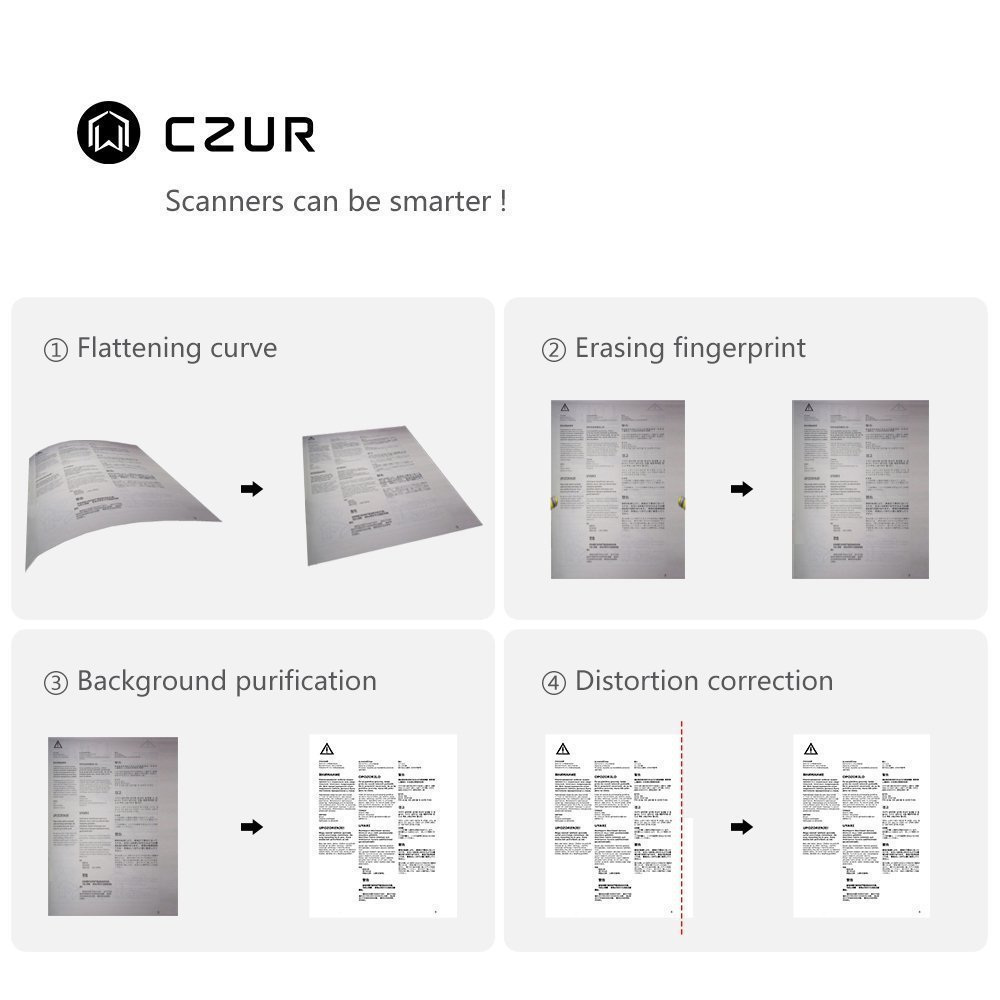
Automatic correction for cleaner scans
CZUR software combines the hardware scan with intelligent post-processing tools. This helps reduce manual editing and improves final scan quality, especially for books and documents that are not perfectly flat.
Curve Flattening
Laser-assisted detection helps flatten book page curves and output cleaner digital pages.
Finger Removal
When used correctly with finger cots, the software can recognise and remove visible fingers from the final image.
Auto Page Splitting
Facing book pages can be captured together and restored as separate pages for easier archiving and editing.
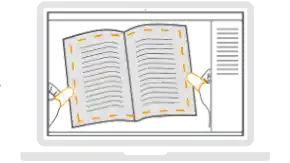
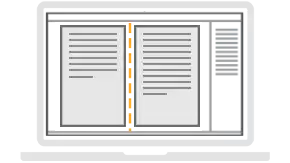
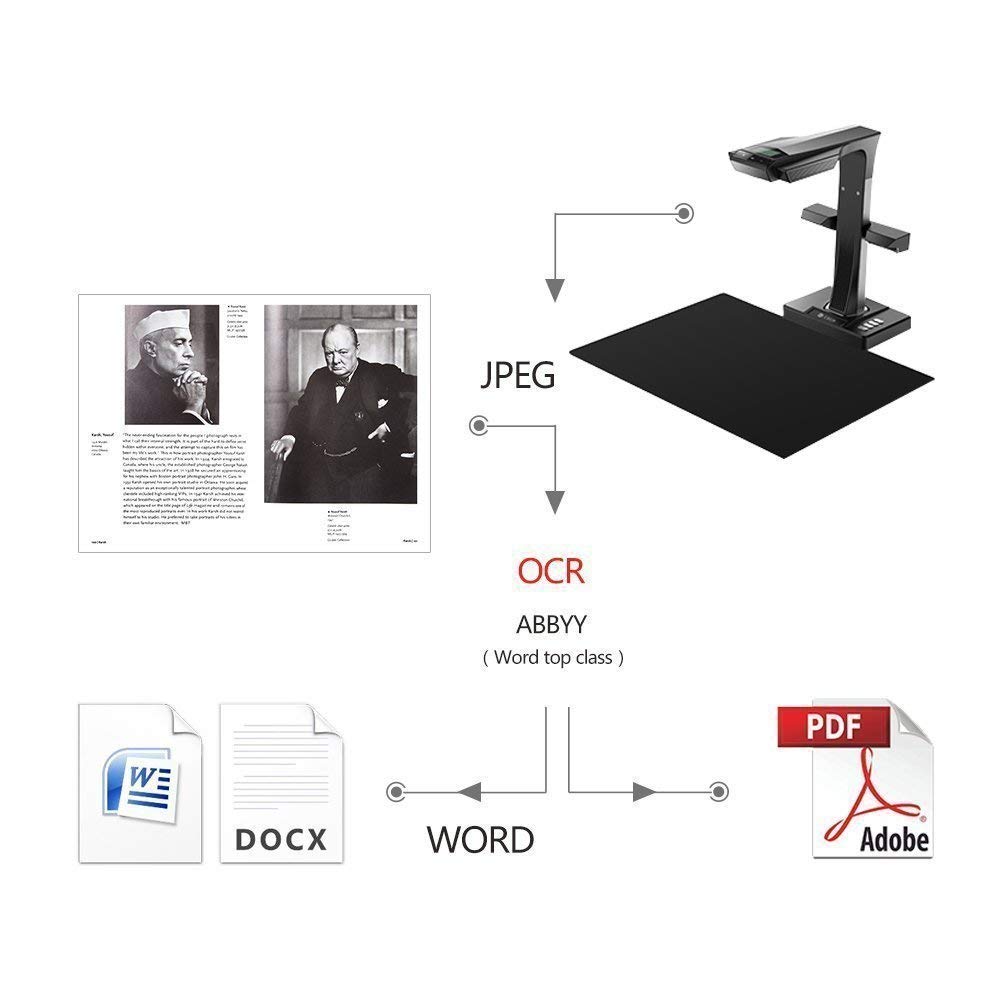
Capture, refine, convert and export in one place
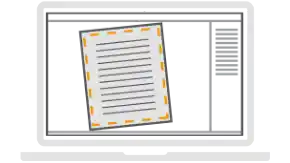
The CZUR all-in-one software provides the key tools required for digitisation: OCR, automatic document detection, image trimming, colour adjustment, background purification and export to multiple formats.
ABBYY® OCR technology helps recognise over 180 languages, allowing scanned documents and images to be converted into searchable information or editable file formats.
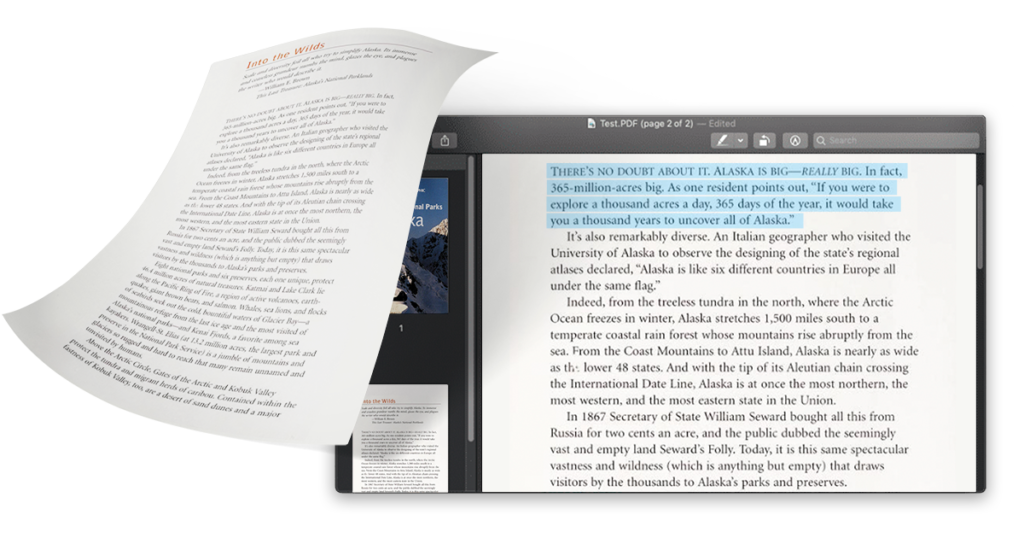
Tailored output for different document types
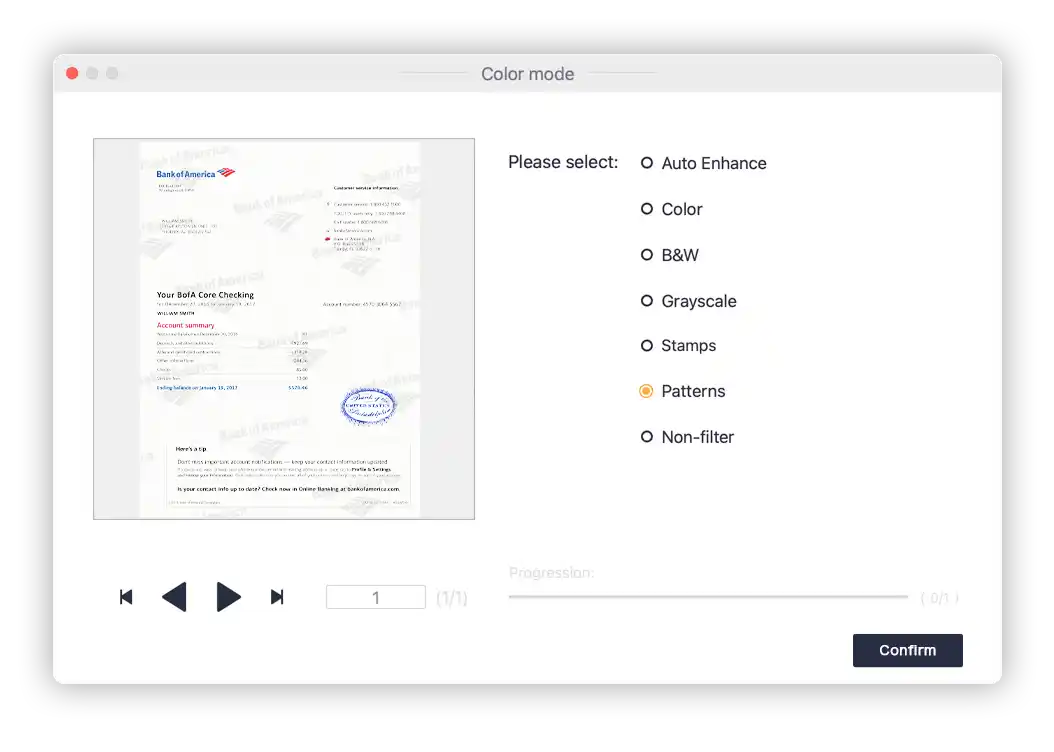
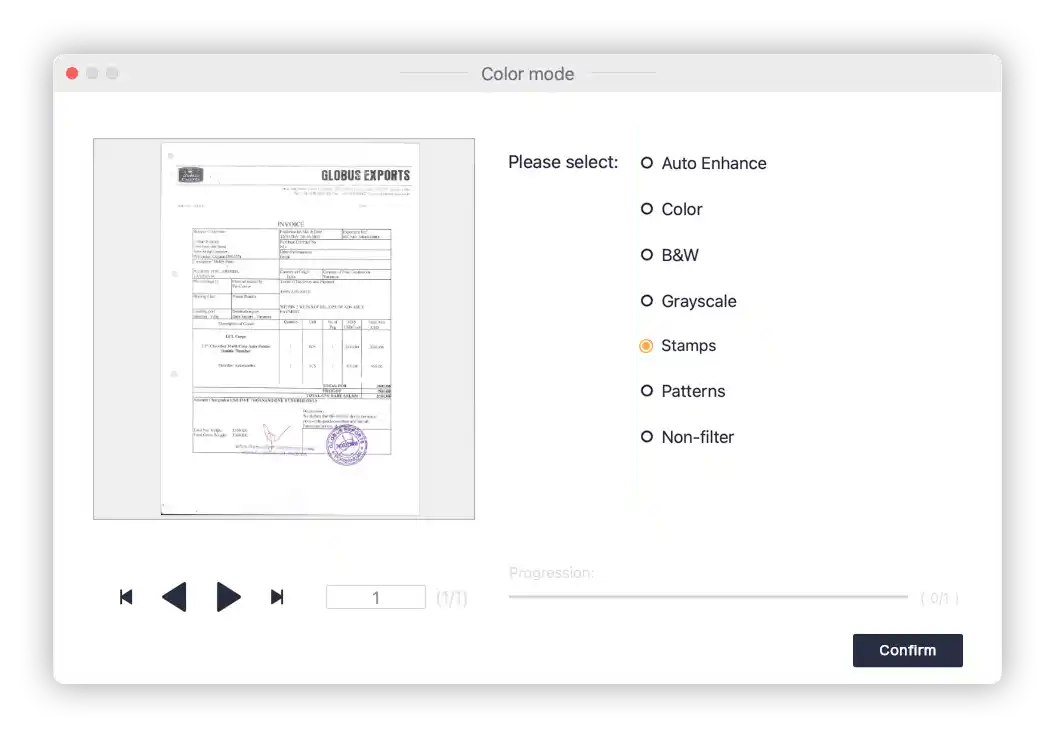
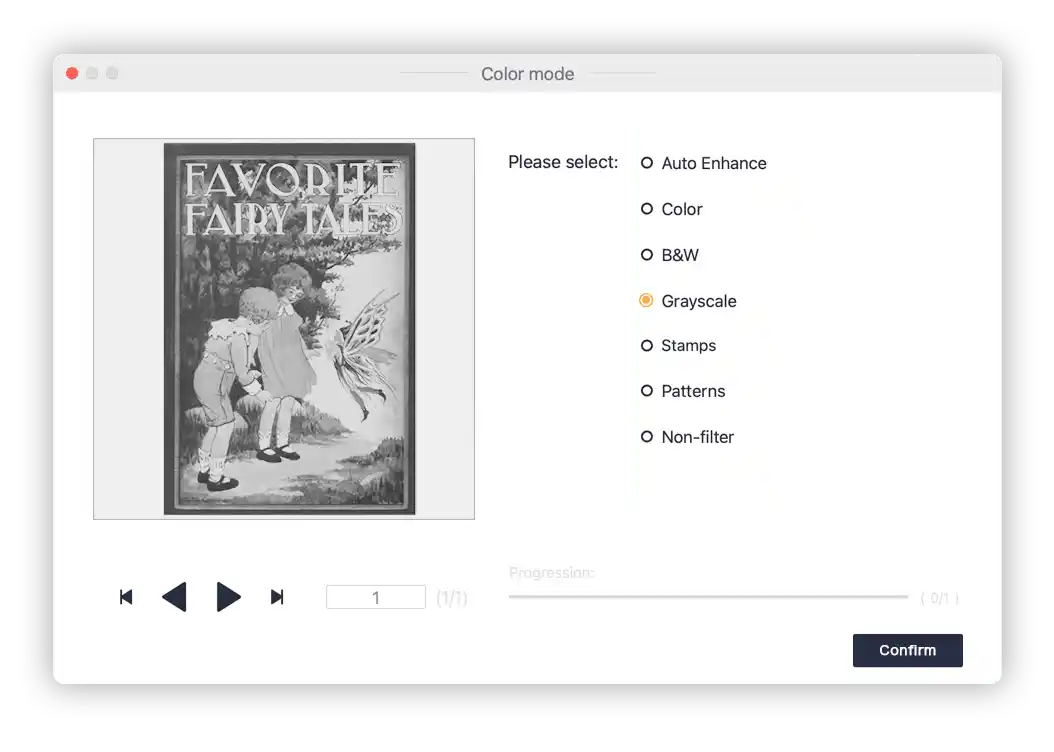
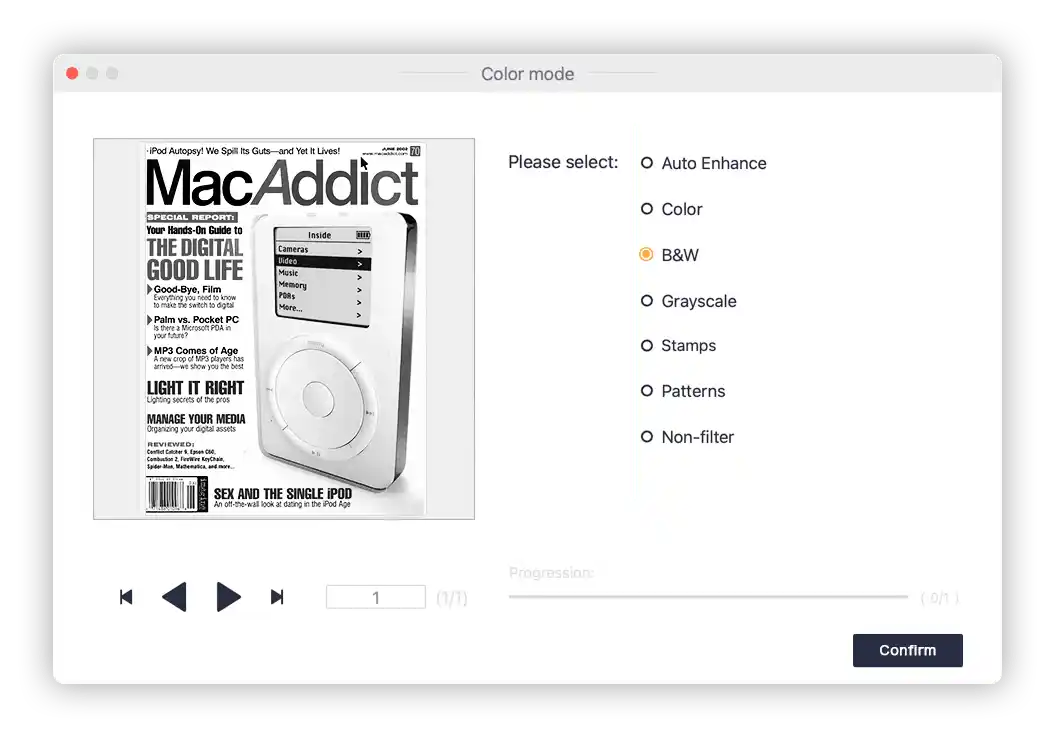
ET Series scanners support several colour modes to help match the scan result to the document type. You can use Auto Enhance, Colour, Patterns, Stamps, Grayscale and Black & White modes depending on whether you need readability, clean background, stamps, drawings or archive-quality output.
Scan in the way that suits your workflow
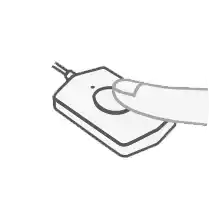
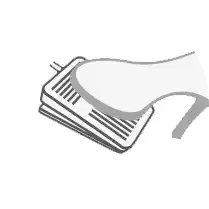
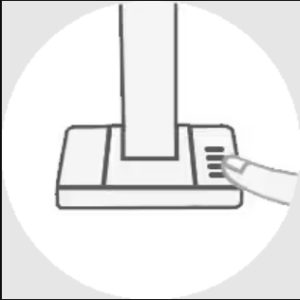
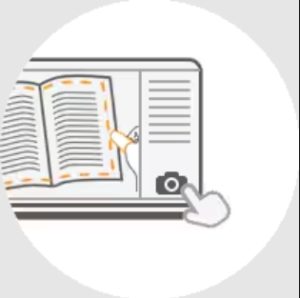
ET Series scanners can be triggered in several ways, making them suitable for both single-document scanning and larger book-scanning projects. You can scan from the software, use the physical hand button, use the foot pedal, press the scanner button, or enable auto-scan where suitable.

HDMI visual presenter support for teaching and presentations
ET Ultra includes HDMI visual presenter output, making it suitable for online classes, demonstrations, live teaching and presentations where a smoother external display output is helpful. It combines 40MP scanning with high-resolution live display support for users who need both maximum-detail document capture and visual presentation capability.

Balanced lighting and visual presenter capability
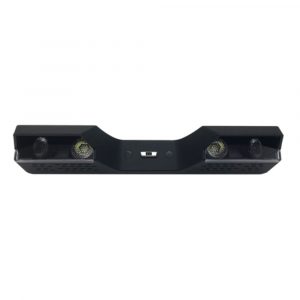
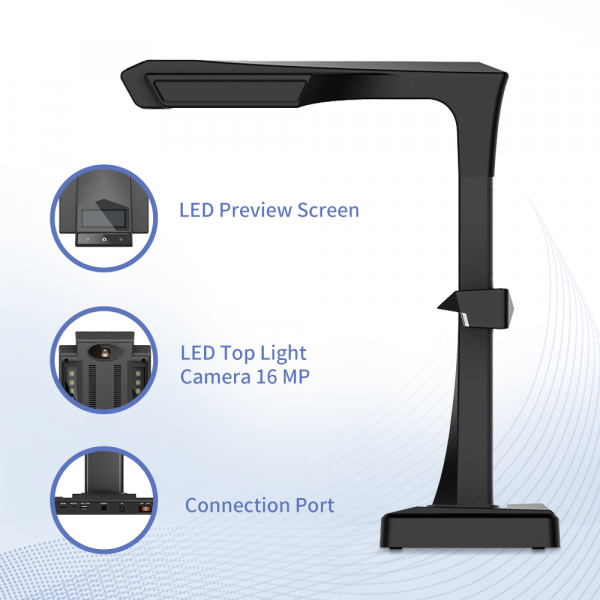
The ET Series lighting system includes overhead LED light bars and an attachable side light. The side light is designed to reduce reflections and shadows when scanning glossy originals such as magazines, photos or coated documents.
With the built-in camera and microphone, ET Series scanners can also be used as visual presenters for sharing documents, prototypes, worksheets and other materials from an overhead perspective.
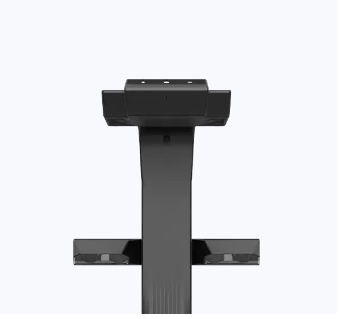
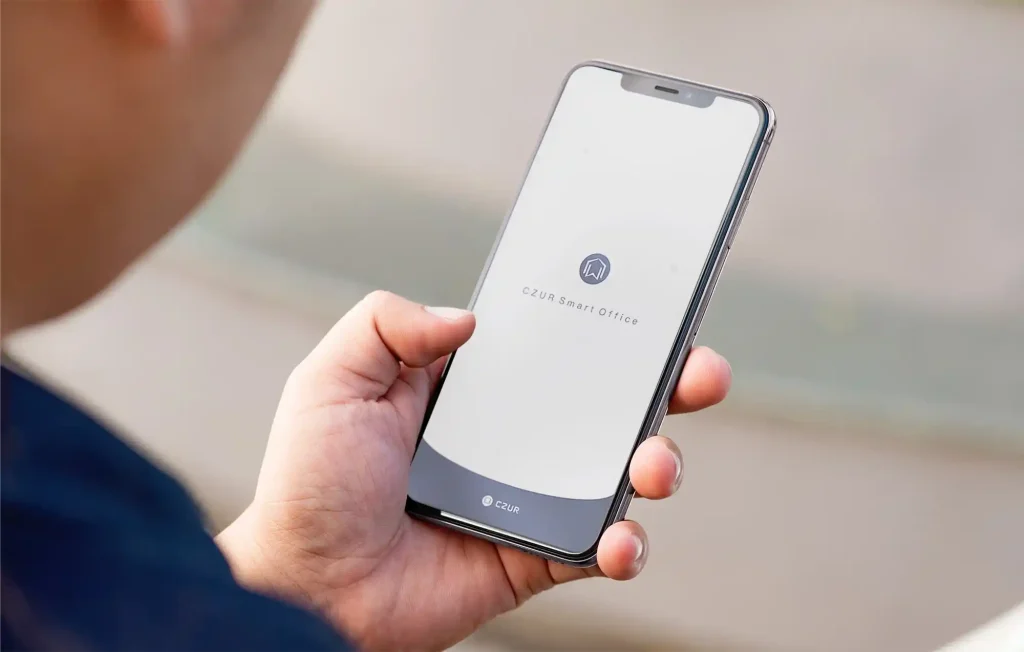
ET Scanner Series — Full model comparison
Use this table to compare ET Ultra against the wider ET Series. This helps customers identify whether ET Ultra is the right top-end model, or whether they need a lower-cost ET16 Plus / ET18 Pro, an HDMI-focused ET24 Pro / ET25 Pro, or the high-resolution ET Max.
| Specification | ET Max | ET Ultra | ET25 Pro | ET24 Pro | ET18 Pro | ET16 Plus |
|---|---|---|---|---|---|---|
| Product type | Smart overhead book and document scanner | |||||
| Scanning materials | Documents, books, magazines, forms, invoices, certificates, business cards and small sculpture objects | |||||
| Sensor | CMOS | |||||
| Pixel | 38MP | 40MP | 25MP | 24MP | 18MP | 16MP |
| Resolution | 7168 × 5376 | 7296 × 5472 | 5824 × 4368 | 5696 × 4272 | 4896 × 3672 | 4608 × 3456 |
| DPI default | 410 | 420 | 330 | 320 | 275 | — |
| Maximum scanning format | Up to A3, 420 × 297 mm / 16.5 × 11.7 inch | |||||
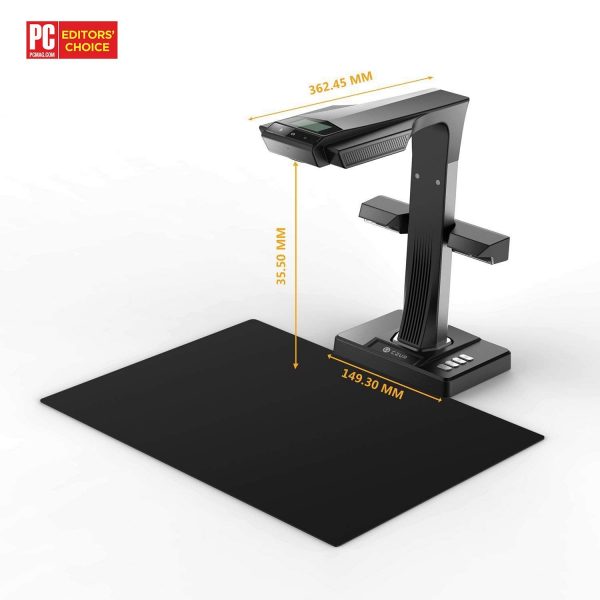
| Reference scanning thickness | A3: supports approx. 35 mm; A4: supports approx. 50 mm | |||||
| Scan speed | Flat single page approx. 1 second per page; books approx. 1 second per dual-page spread depending on setup | |||||
| Pre-scan | 0 seconds | |||||
| Image format | JPG, PDF, TIFF | |||||
| Colour bit depth | 24 bits | |||||
| Export format | JPG, PDF, Searchable PDF, Word, Excel, TIFF | |||||
| Video streaming format | MJPG | |||||
| Preview | PC visual presenter up to 3072 × 1728 @ 12fps; PC scanning 1536 × 1152 @ 20fps, depending on model and mode | |||||
| USB | USB 2.0 High-Speed | |||||
| Light source | Natural light and LED lights | |||||
| Top LED lights | Yes | |||||
| Side lights | Yes | |||||
| Focus mode | Fixed focus | |||||
| Scanning control | Device control, software trigger, hand button and foot pedal | |||||
| System support | Windows XP / 7 / 8 / 10 / 11, macOS 10.13+, Linux | Windows XP / 7 / 8 / 10 / 11, macOS 10.13+, Linux | Windows XP / 7 / 8 / 10 / 11, macOS 10.13+, Linux | Windows XP / 7 / 8 / 10 / 11, macOS 10.13+, Linux | Windows XP / 7 / 8 / 10 / 11, macOS 10.11+ | Windows XP / 7 / 8 / 10 / 11, macOS 10.11+ |
| Processor | Dual-core OpenRISC 32-bit | Dual-core OpenRISC 32-bit | Dual-core OpenRISC 32-bit | Dual-core OpenRISC 32-bit | 32-bit MIPS CPU | 32-bit MIPS CPU |
| Laser assistance | 3 laser rays | |||||
| Image cache | Hi-Speed DDR 2GB TF | Hi-Speed DDR 2GB TF | Hi-Speed DDR | Hi-Speed DDR | Hi-Speed DDR | Hi-Speed DDR |
| LCD | 2.4 inch, 320 × 240, 4:3 | |||||
| Microphone | Yes | |||||
| OCR | Yes, supports 180+ languages | |||||
| Visual presenter | Full list | Full list | HDMI formats | HDMI formats | USB-PC visual presenter | USB-PC visual presenter |
| Software features | Curve flattening, smart paging, tilt correction, professional trimming, background purifying, finger removal, colour modes, auto-scan, manual selection, screen recording and video recording | |||||
| Colour modes | Auto Enhance, Colour, Patterns, Stamps, Grayscale, Black & White | |||||
| Optical features | Element 3G2P + IR, 1/2.3 inch sensor size, 82° field of view, distortion < 0.5% | |||||
| Power | Input AC 100–240V 50/60Hz; output DC 9V / 1.5A | |||||
| Product appearance | Black | |||||
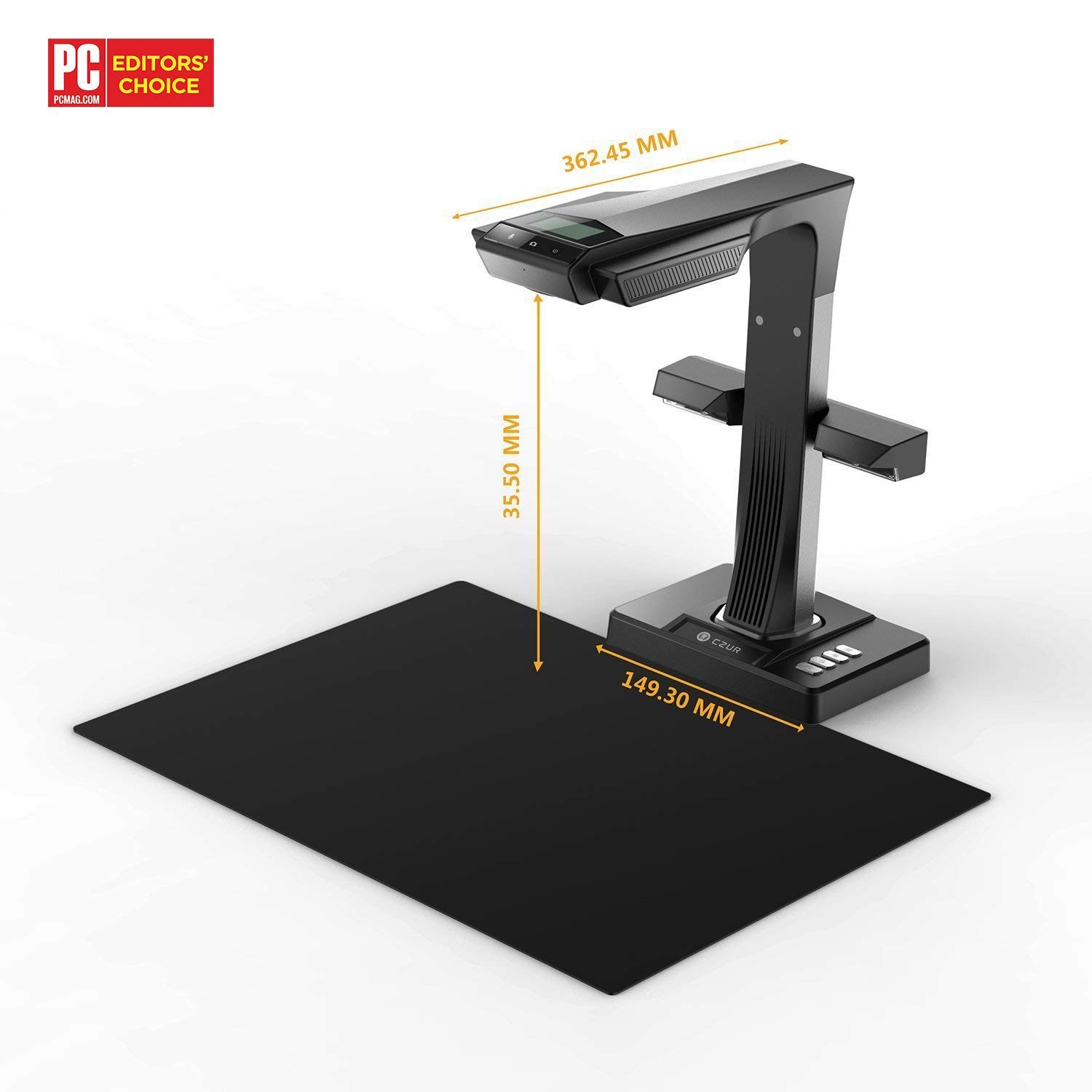
| Product dimensions | Approx. 375 × 220 × 390 mm | |||||
| Net weight | Approx. 1.5 kg | |||||
| Packaging list | Scanner, side lights, USB cable, power adapter, hand button, foot pedal, black document pad, finger cots, CD / software information and Getting Started Guide | |||||
Specifications are provided for customer guidance. Some features vary by model, especially camera resolution, default DPI, processor type and visual presenter output. Software compatibility and feature availability may depend on operating system, software version and scanning setup.
What is included in the box?
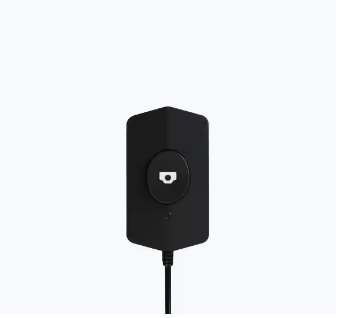
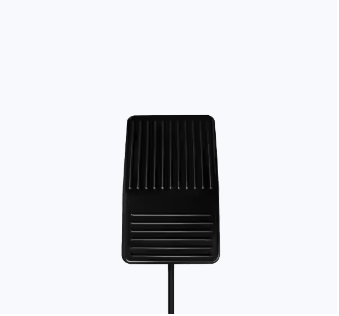
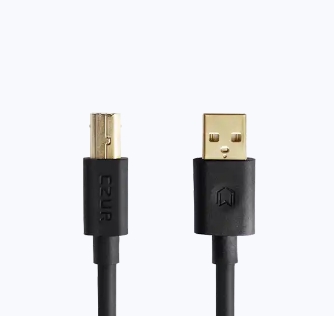

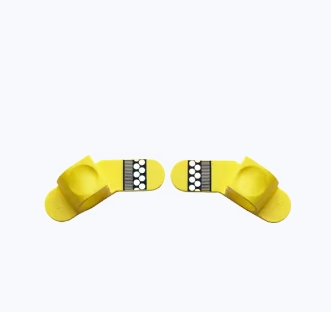
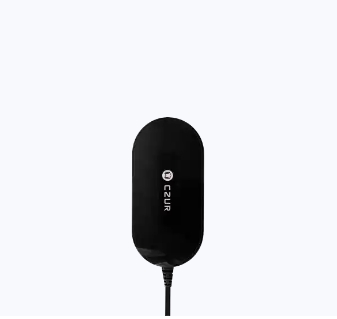
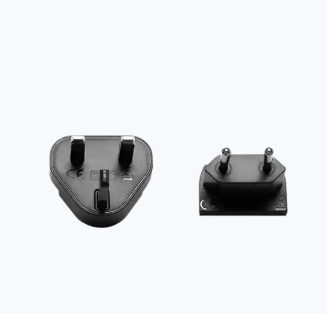
Package content is based on the standard ET Series accessory list. Accessories may vary slightly depending on production batch and regional package version.