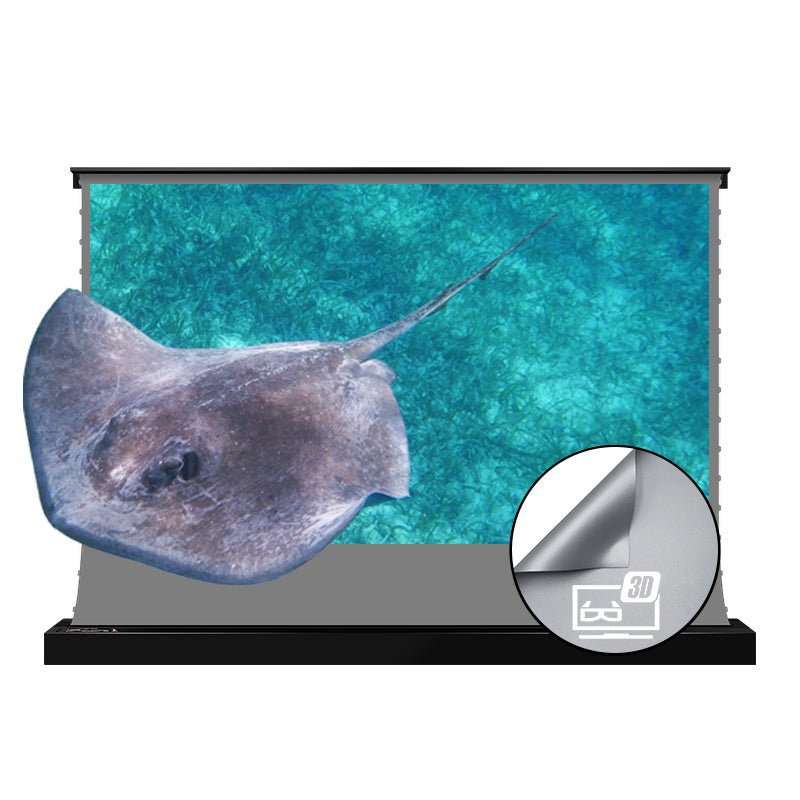
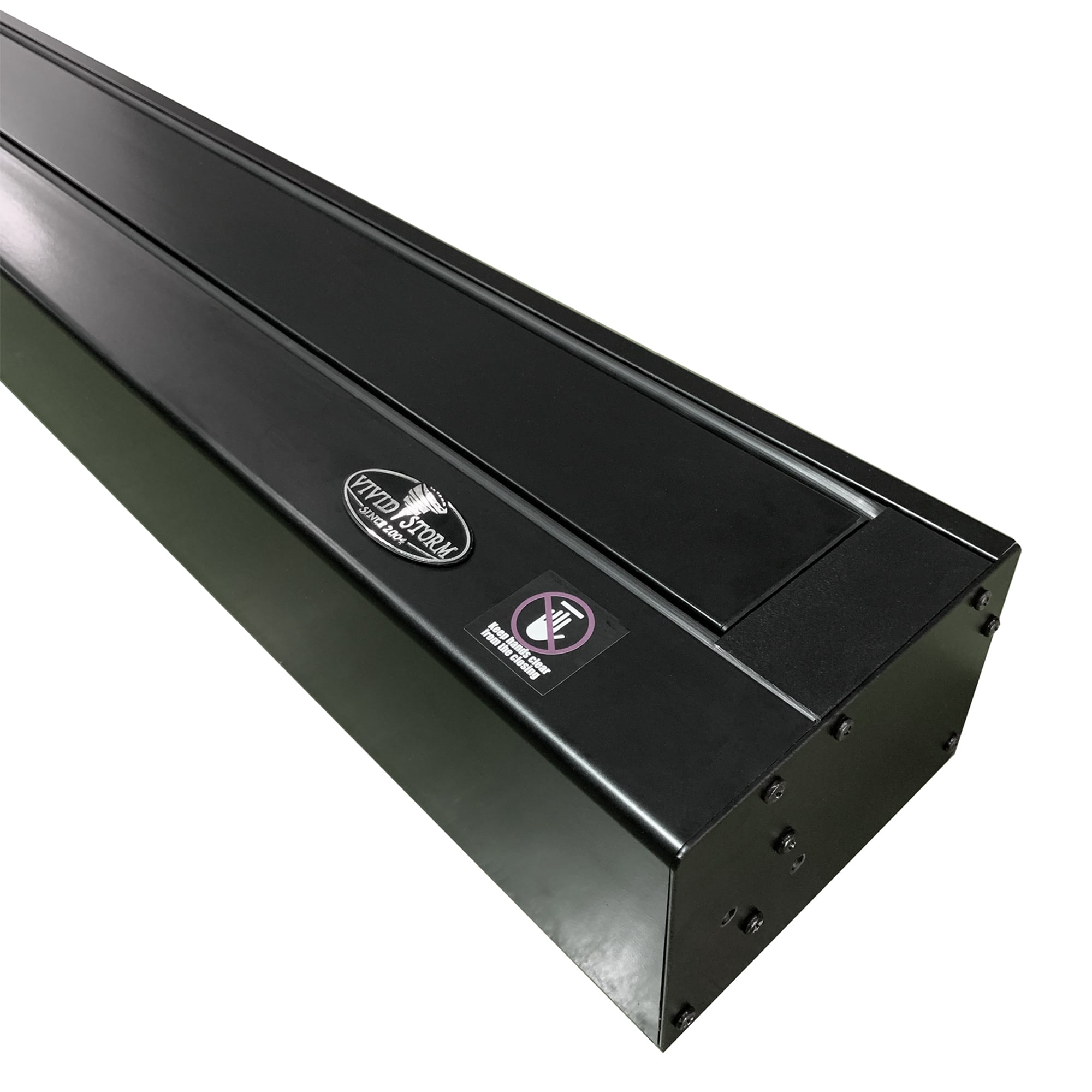
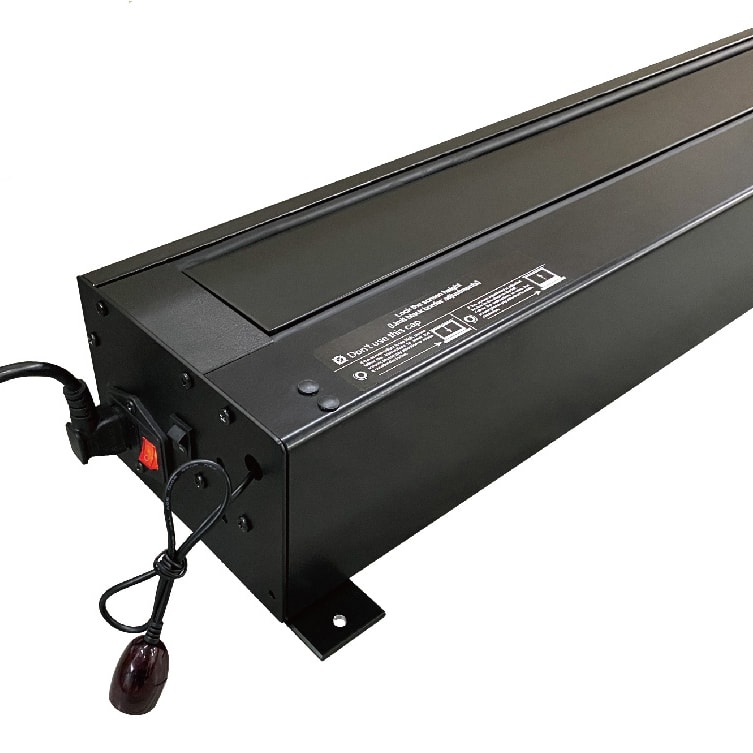
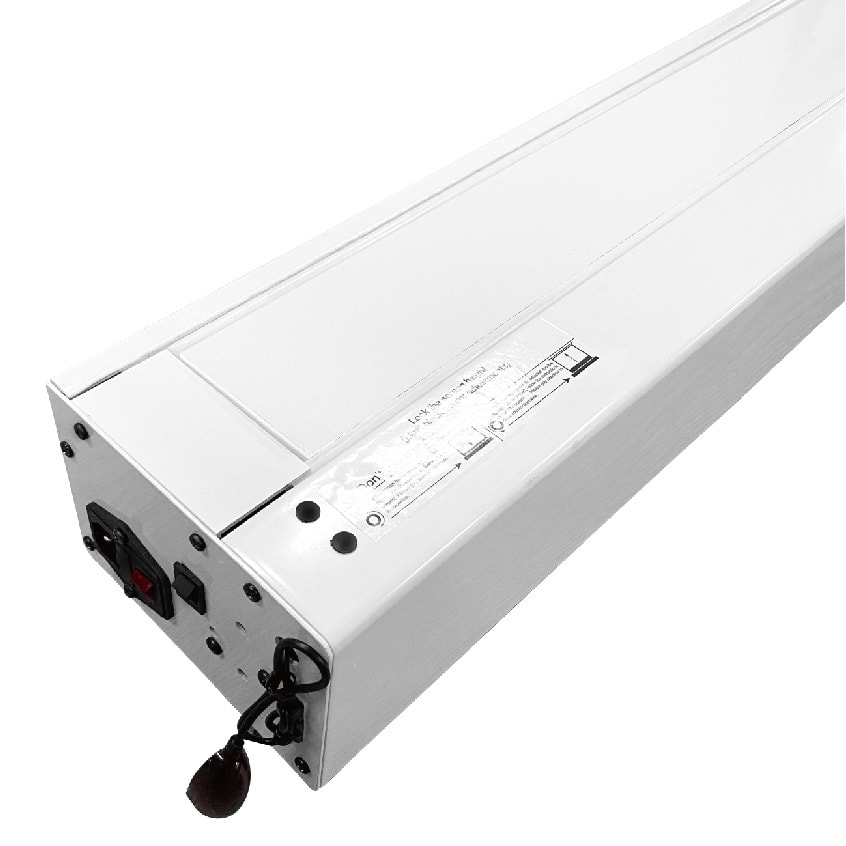
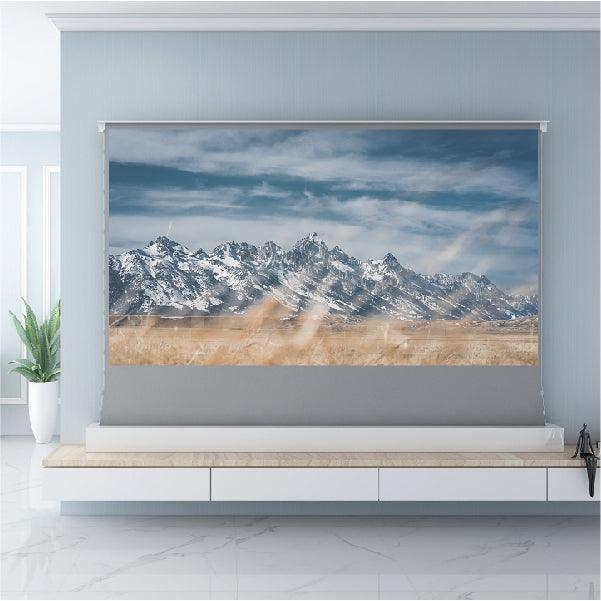
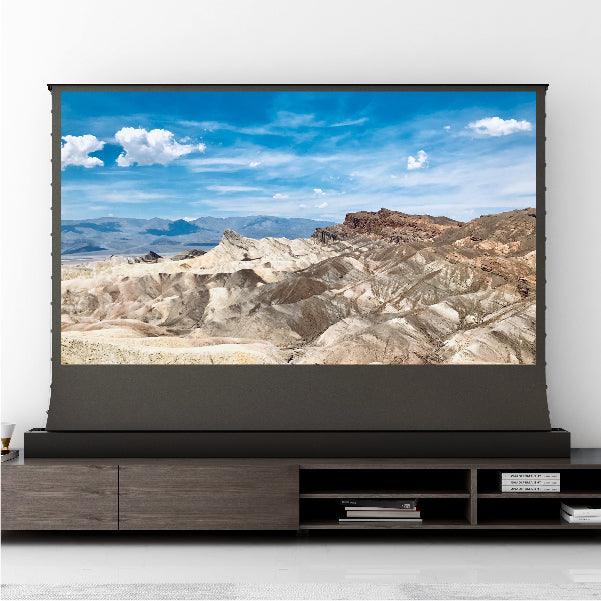
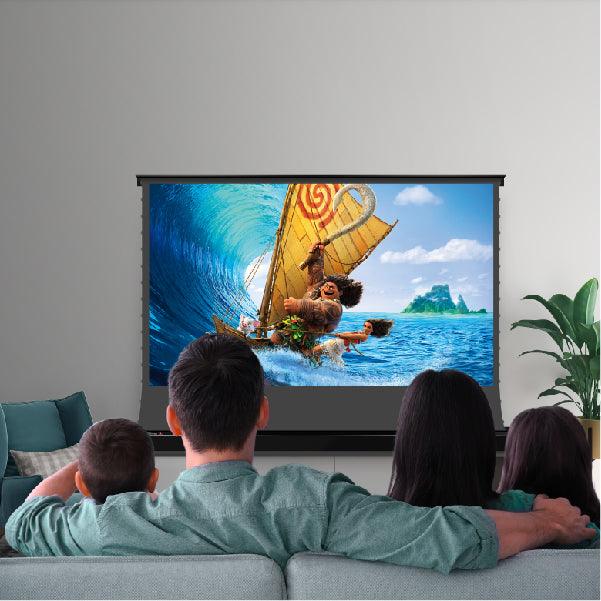
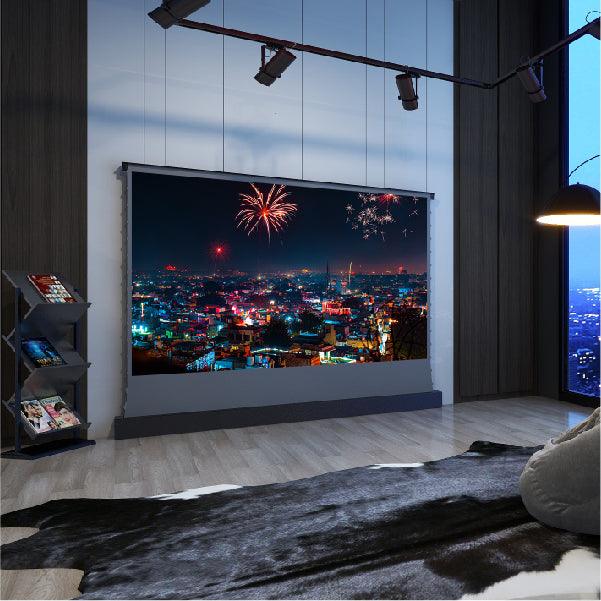
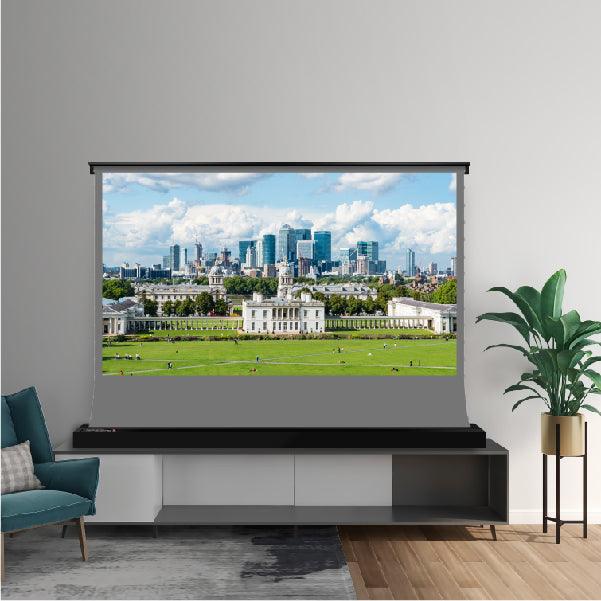
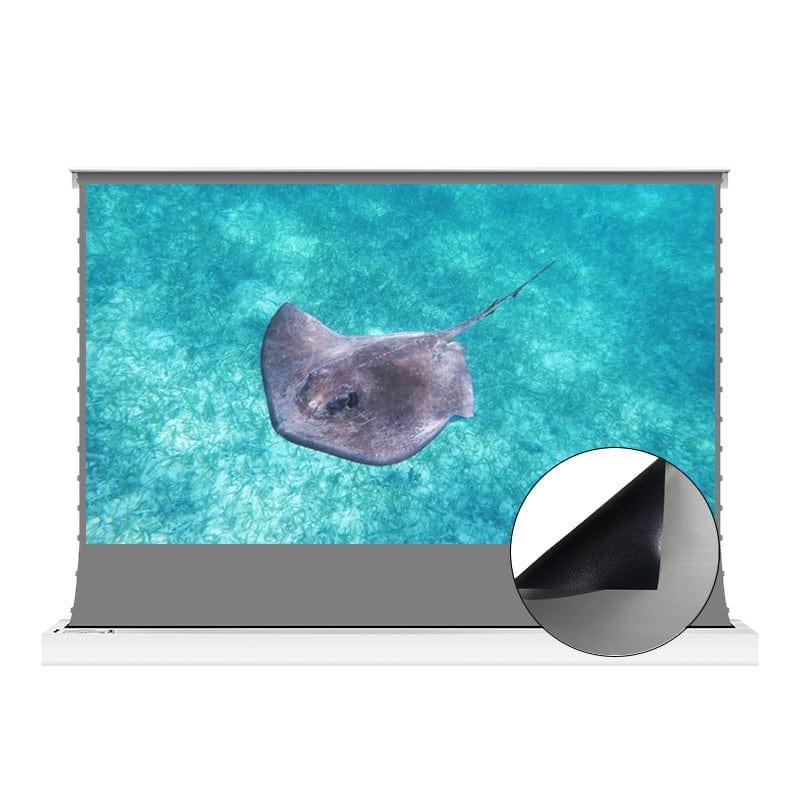
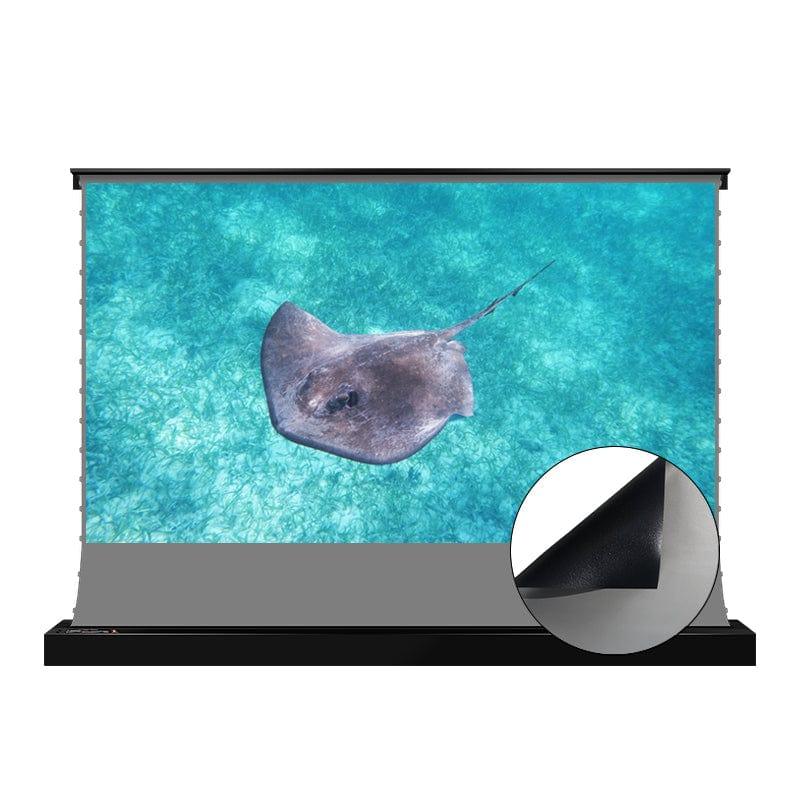
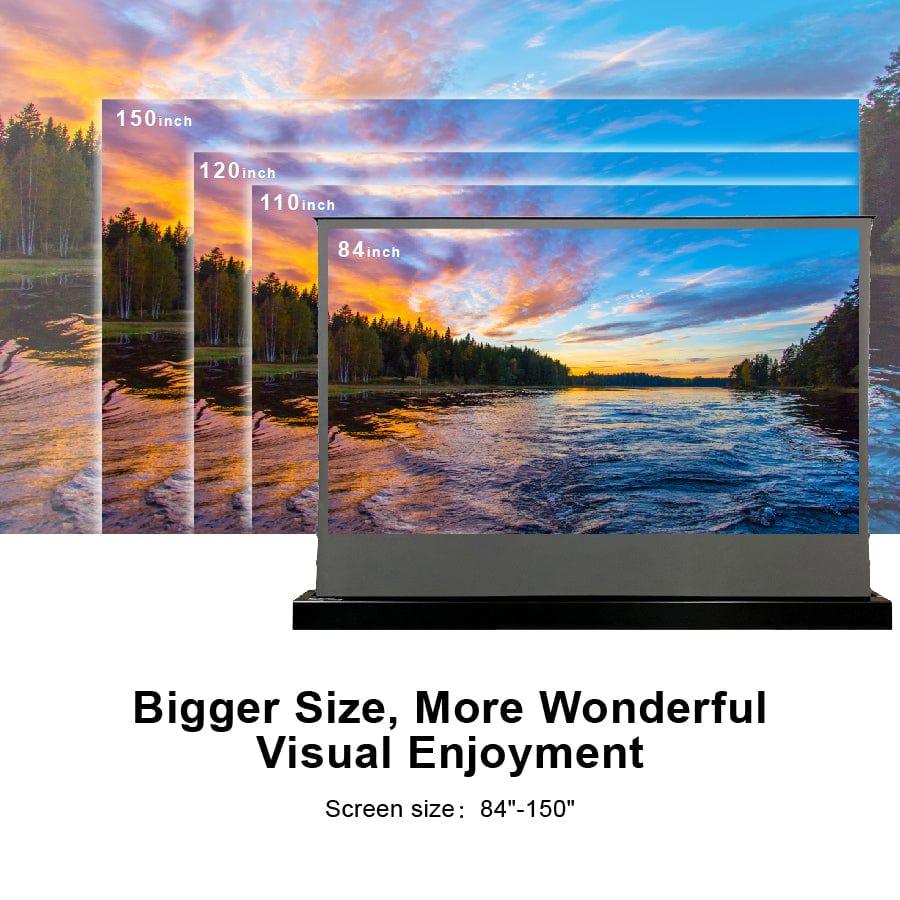
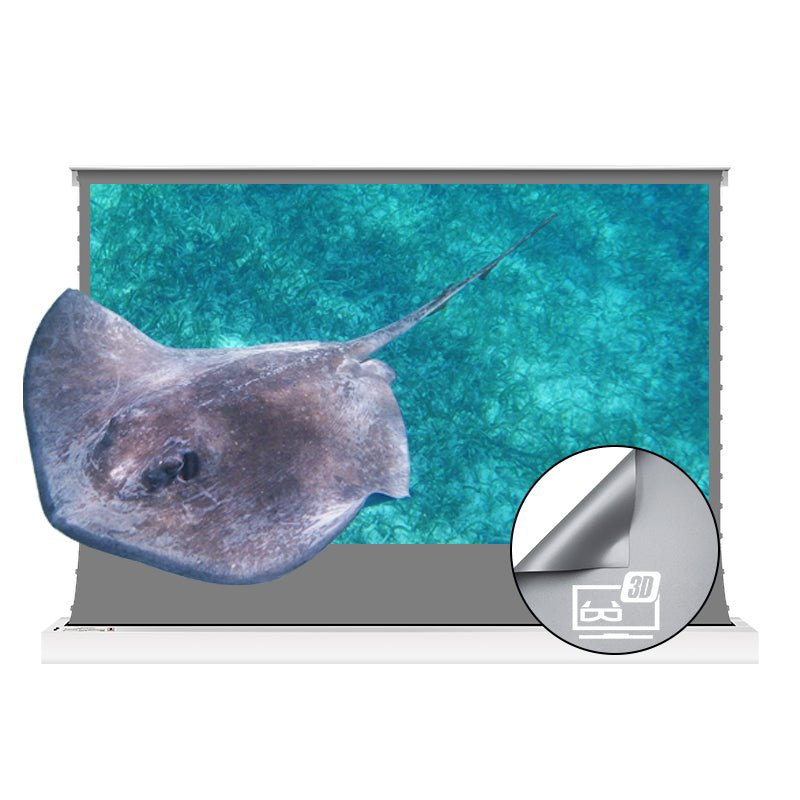
High-gain floor-rising ALR screen for standard and long throw projectors
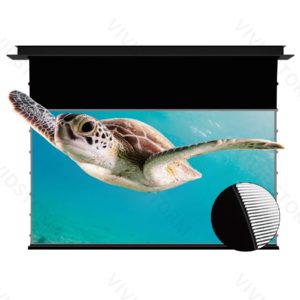
The Vividstorm S 3D ALR Obsidian is a motorised, tab-tensioned floor-rising screen for standard and long throw projectors. Its 1.2 gain Obsidian 3D ALR material is designed for brighter 3D viewing and high-impact home cinema projection.
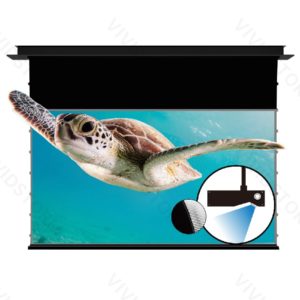
This S ALR 3D screen is designed for standard / long throw projectors with a rated brightness between 1800 and 2200 ANSI lumens. If your projector is brighter than 2500 ANSI lumens, the standard Vividstorm S ALR screen is recommended for better contrast. This screen is not compatible with ultra short throw projectors.
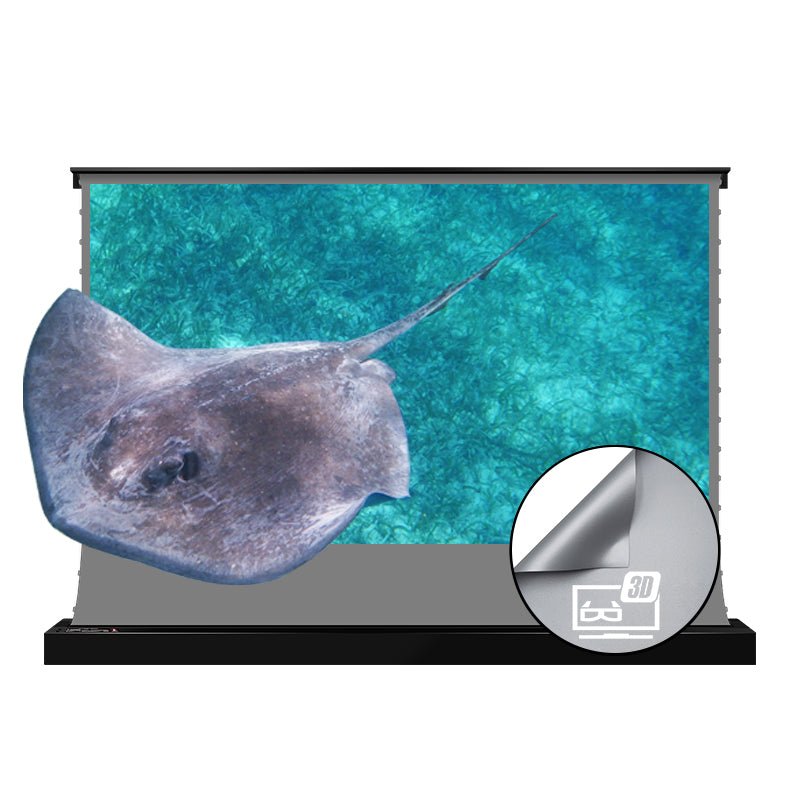
Floor-rising design
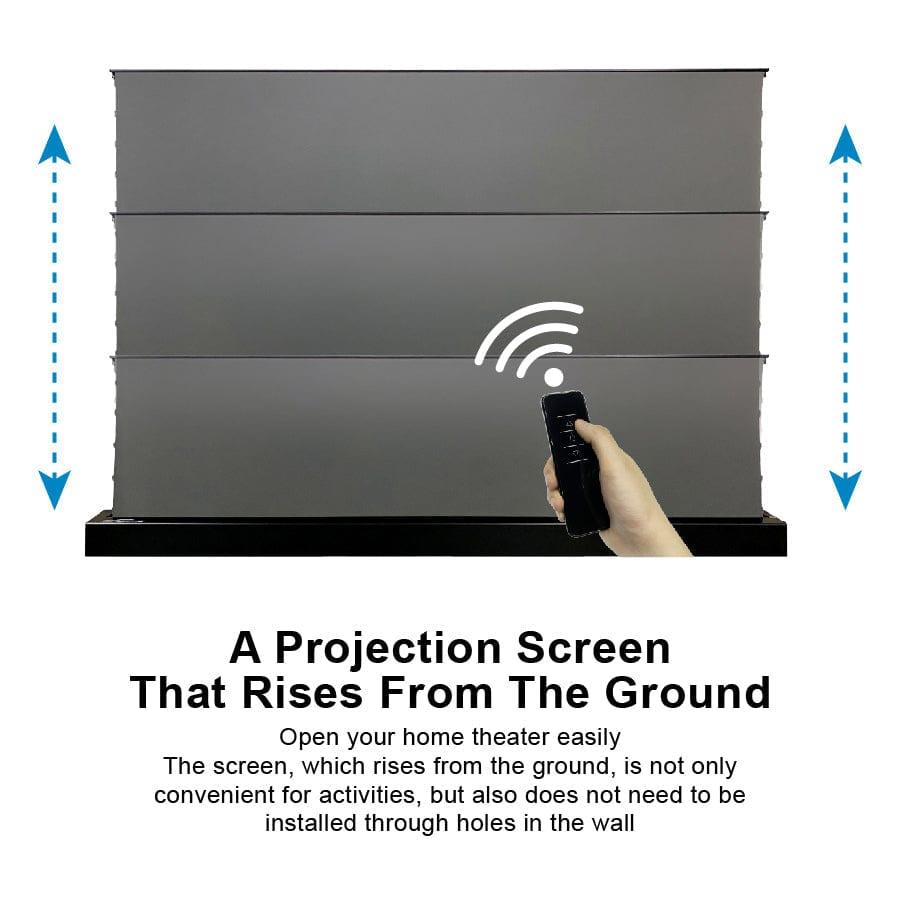
Raise the screen only when the projector is in use, then retract it neatly into the case.
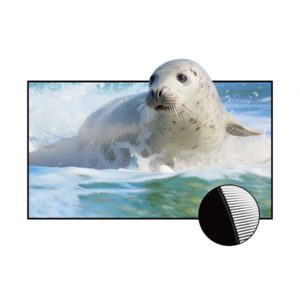
High-gain ALR surface
1.2 gain Obsidian 3D ALR material is ideal for 3D content and vivid home cinema images.
Tab-tensioned flatness
Side tensioning helps keep the projected image clean, stable and visually flat.
8K / 4K / HDR ready
Optimised for high-resolution projection, HDR and Active 3D viewing.
A screen that appears only when you need it
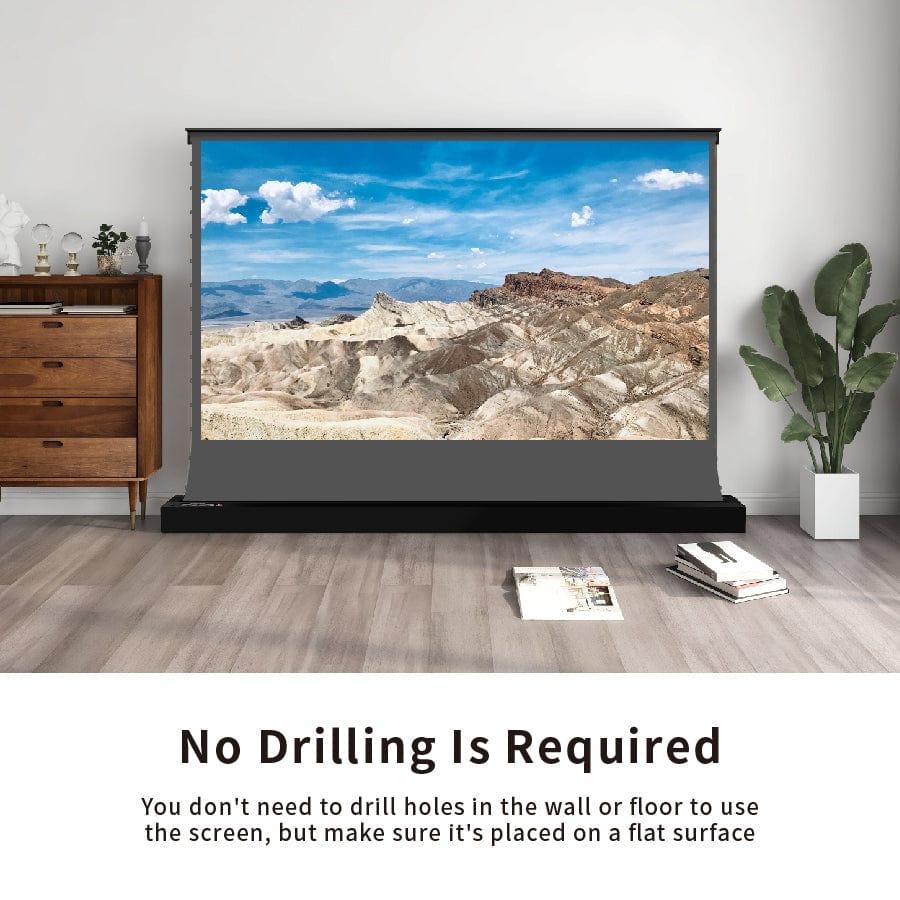
The S ALR 3D series is designed for rooms where a permanent fixed-frame screen is not desirable. Place it on the floor, behind a low cabinet or close to the wall, then use the remote control to raise or retract the screen.
The free-standing design makes installation simpler than a ceiling-mounted or recessed screen, while still giving a premium large-screen cinema experience.
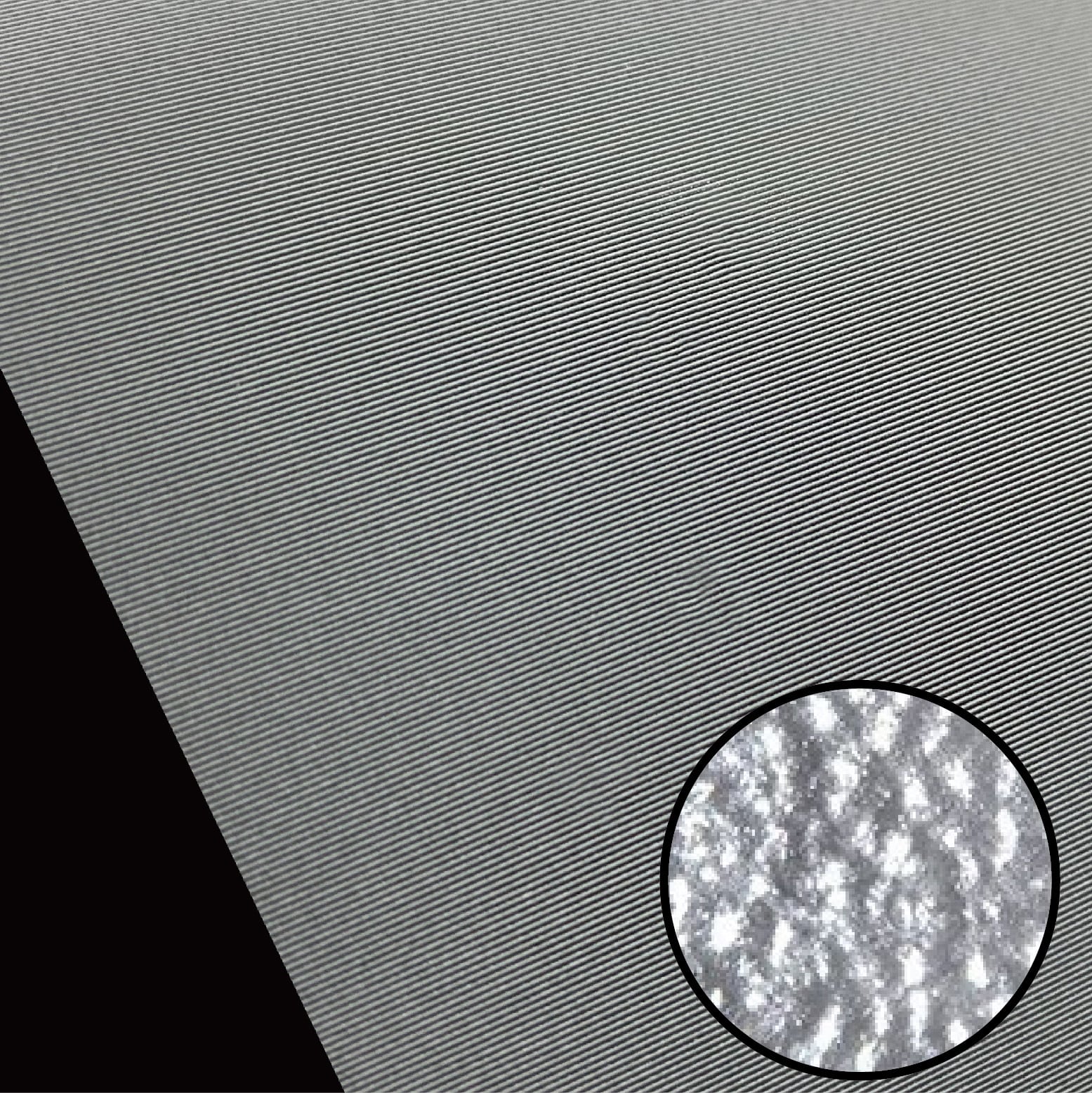
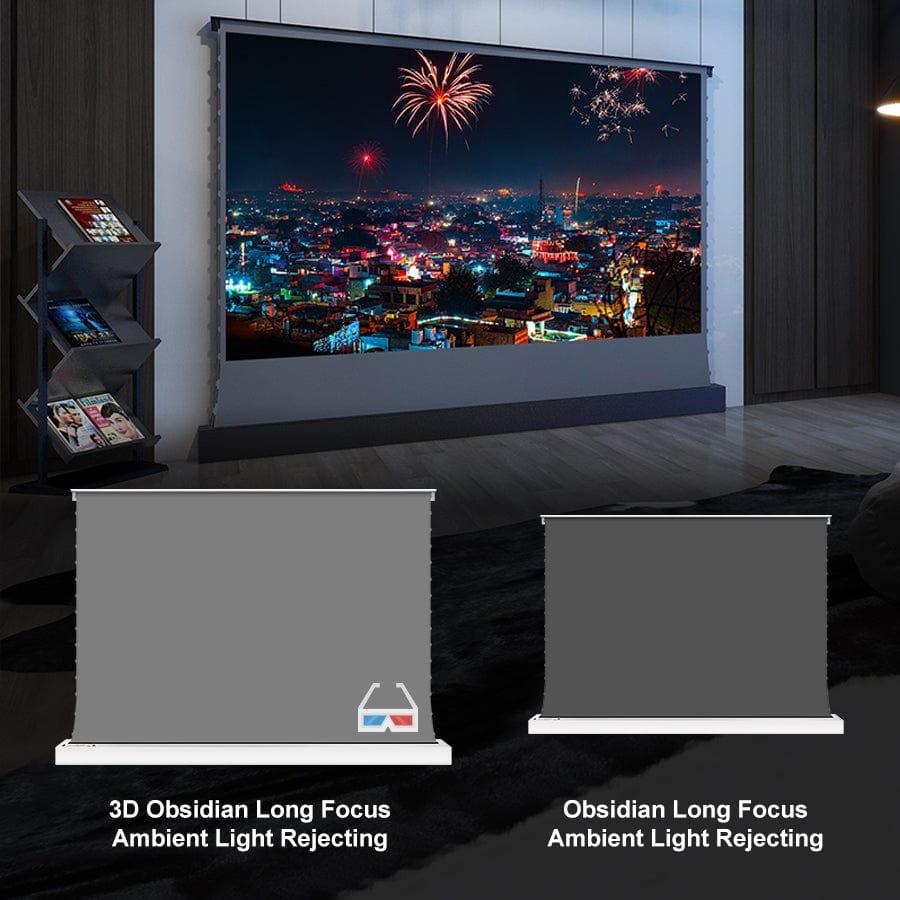
Obsidian 3D ALR material with 1.2 gain
This high-gain version is built for standard and long throw projector setups where 3D performance and image brightness are priorities. The Obsidian 3D ALR material helps reject ambient light while supporting a brighter projected image than the standard 0.8 gain ALR version.
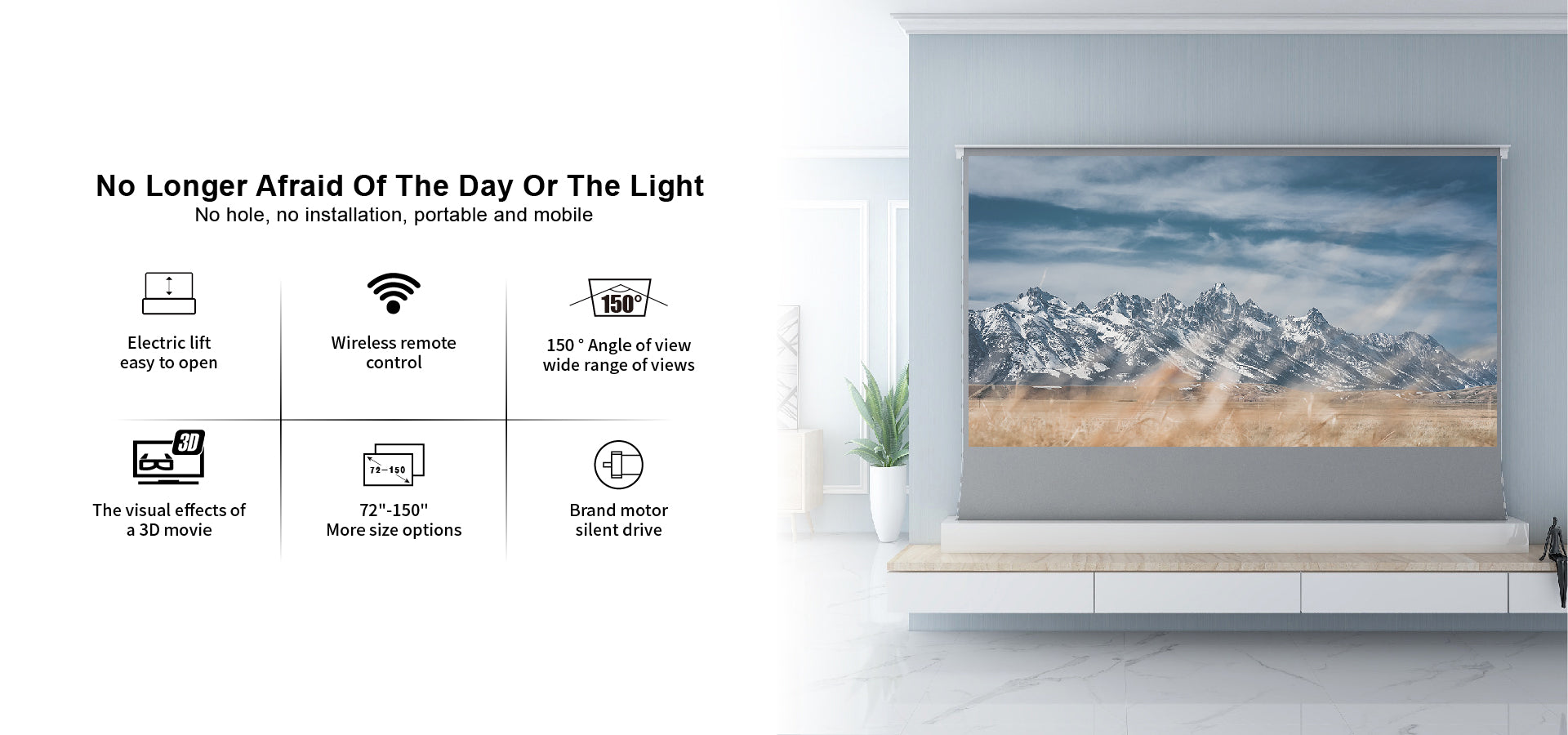
1.2 screen gain
Higher gain helps deliver a brighter image, particularly useful for 3D content.
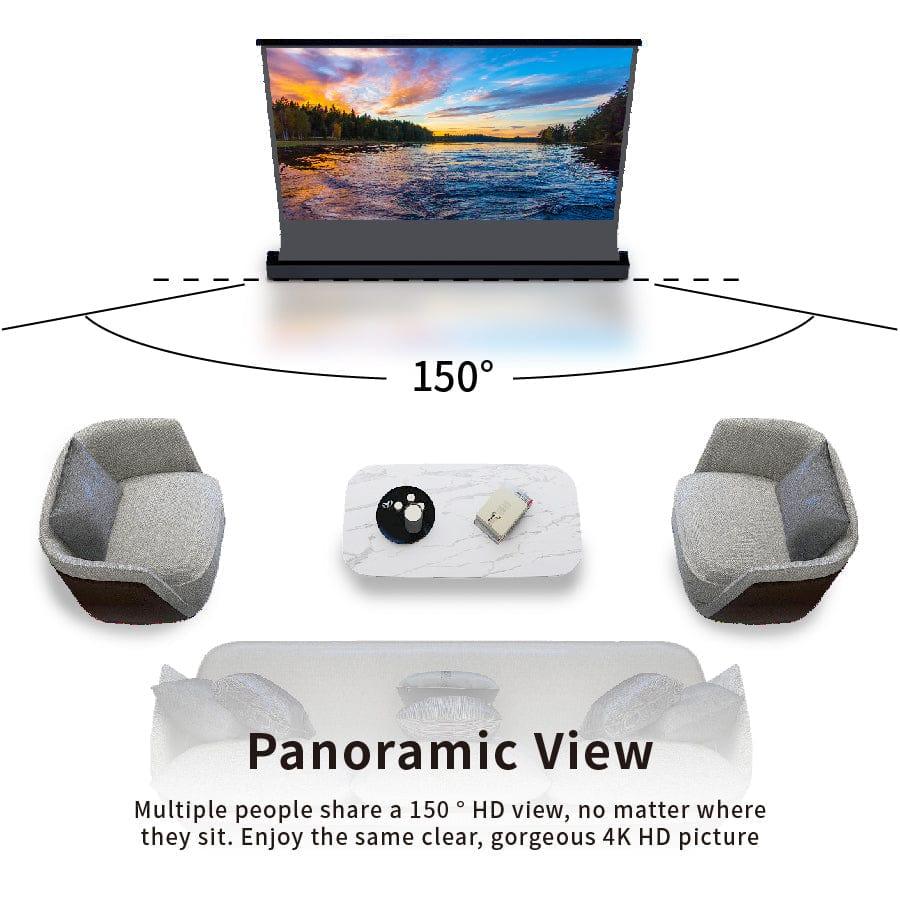
150° viewing angle
Wide viewing cone for flexible seating arrangements in living rooms and media spaces.
Ambient light rejection
Obsidian ALR material helps reduce washout from ambient light and improve image depth.
Vividstorm S Electric ALR 3D Obsidian series videos
A projection screen that rises from the floor — free-standing, easy to position and ready to use in minutes.
Overview
Vividstorm floor-rising screen overview video.
Floor rising screen demo
Motorised floor-rising screen demonstration.
Projector-screen synchronisation
The S Electric ALR 3D series includes a wireless projector trigger as a free gift. When compatible, the trigger can be inserted into the projector’s USB port so the screen rises when the projector powers on and retracts when the projector powers off.
Wireless trigger compatibility is not guaranteed for every projector. The wireless trigger is supplied as a free gift and is not covered by the screen manufacturer warranty.
IR remote
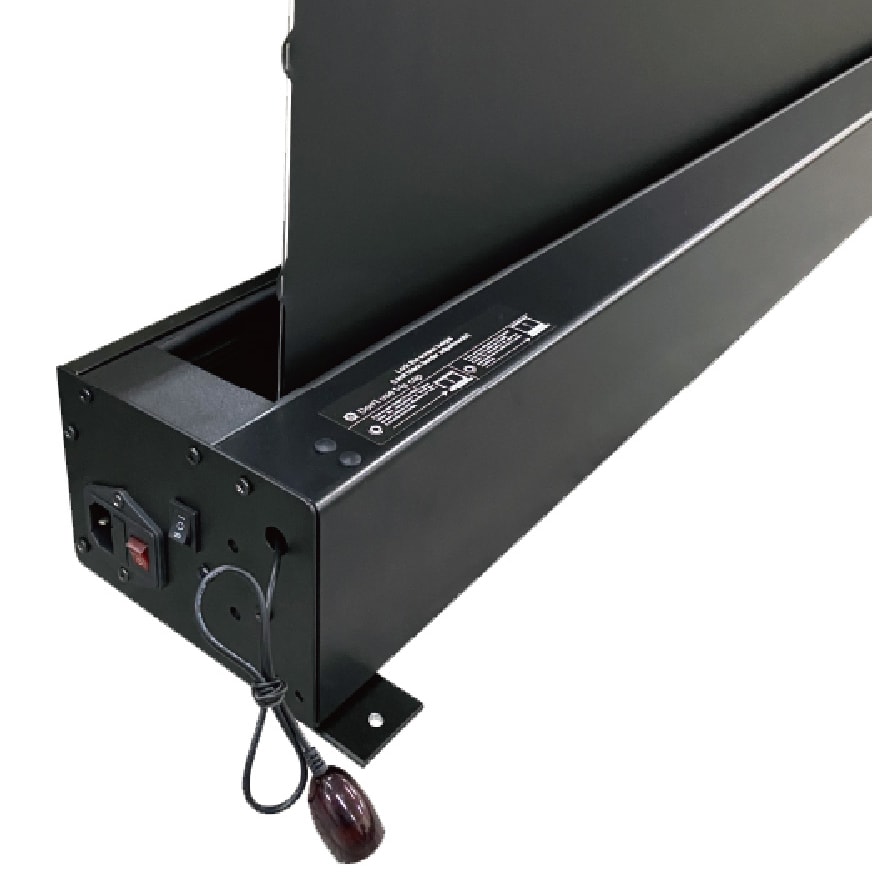
Control the screen from the supplied infrared remote control.
RF remote
Convenient wireless control for everyday operation.
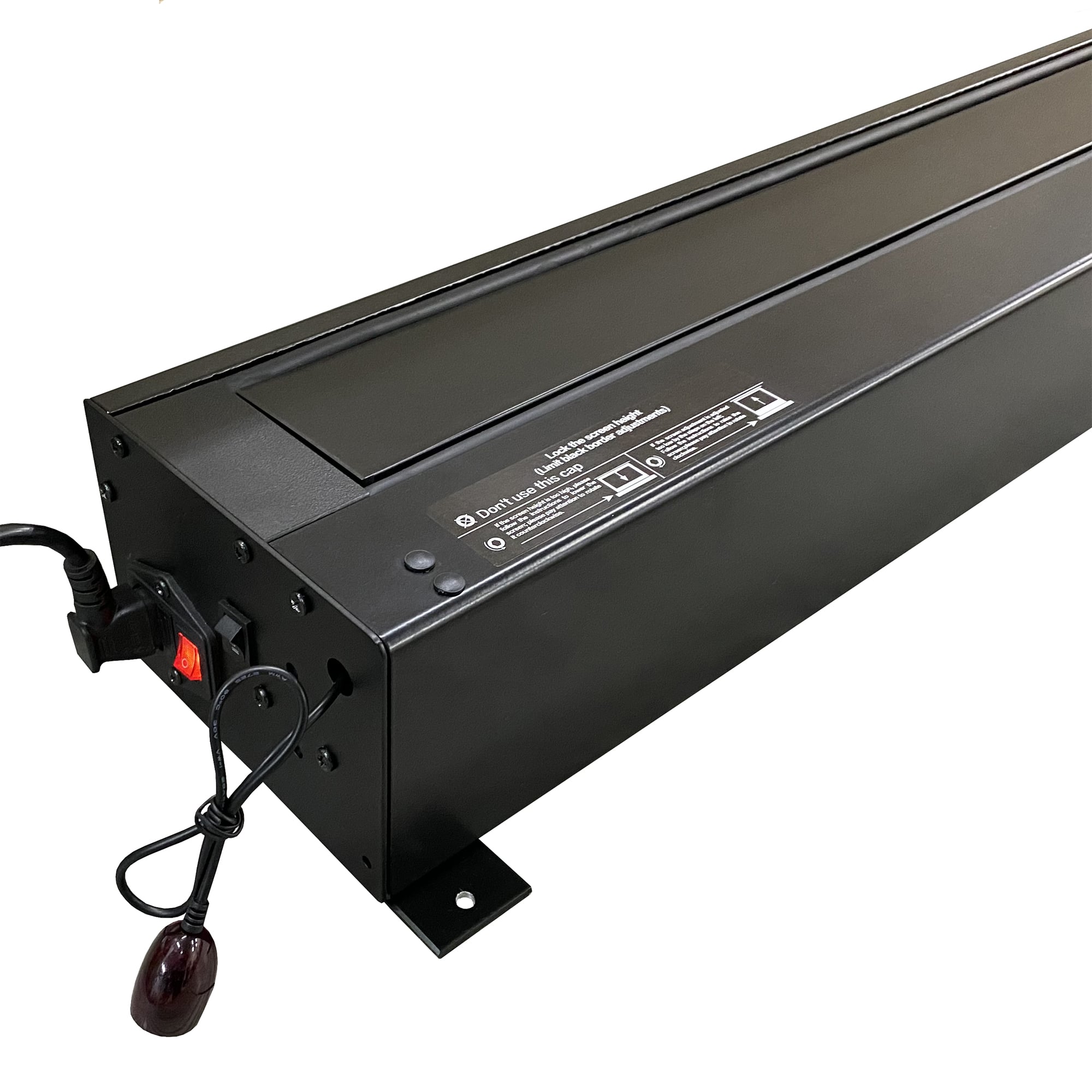
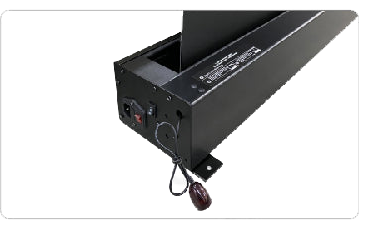
Manual case controls
Use the built-in controls on the screen case when required.
Built for a flat, stable projection surface

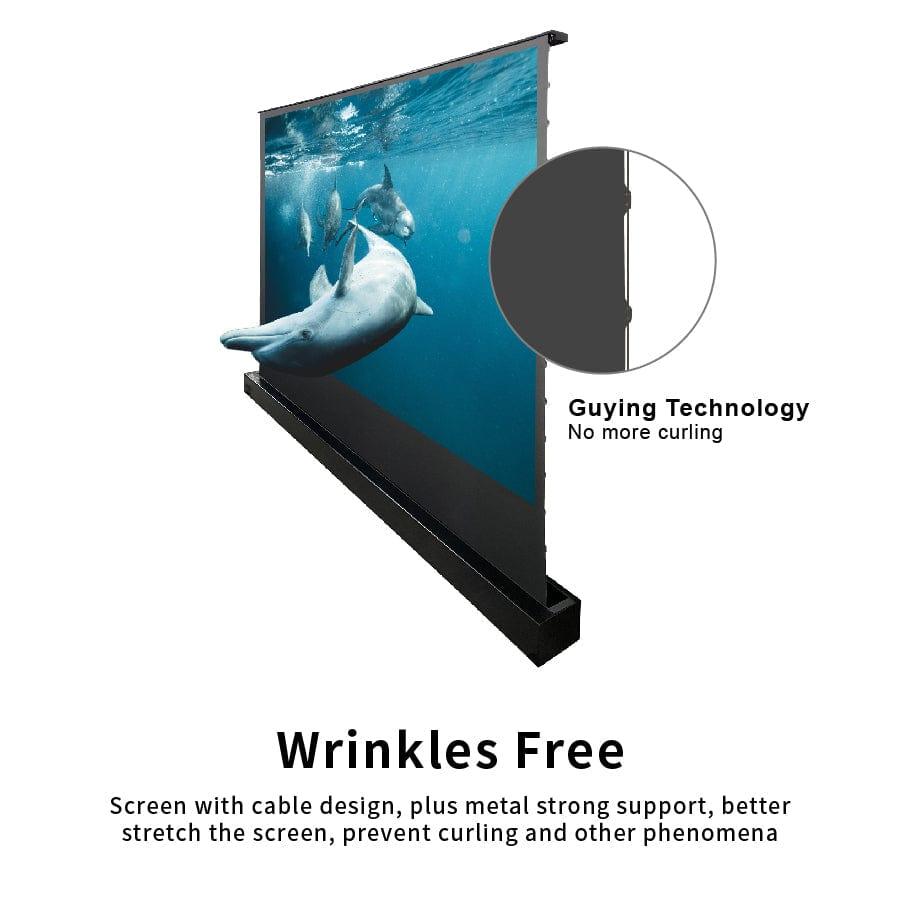
Invisible anti-wrinkle wire
The side tension system helps stretch the screen and reduce curling or wrinkling.
Motorised floor-rising mechanism
The motorised system raises and retracts the screen smoothly from the floor case.
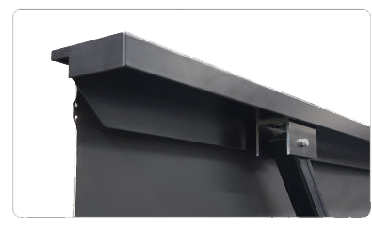
Aluminium top cover
The top cover helps hold the fabric straight and firmly when the screen is raised.
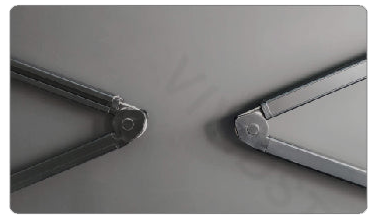
X-shape tension arm
Strong support arms provide stability for the floor-rising mechanism.
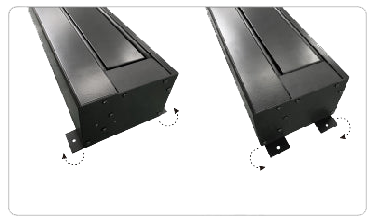
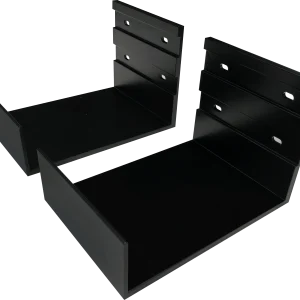
Rotatable floor fixing plate
The fixing plate can help secure the screen case and reduce unwanted movement.
Multi-installation position
Use the screen as a floor-standing solution by default. Optional wall-mount installation may be possible with the correct bracket and room layout.
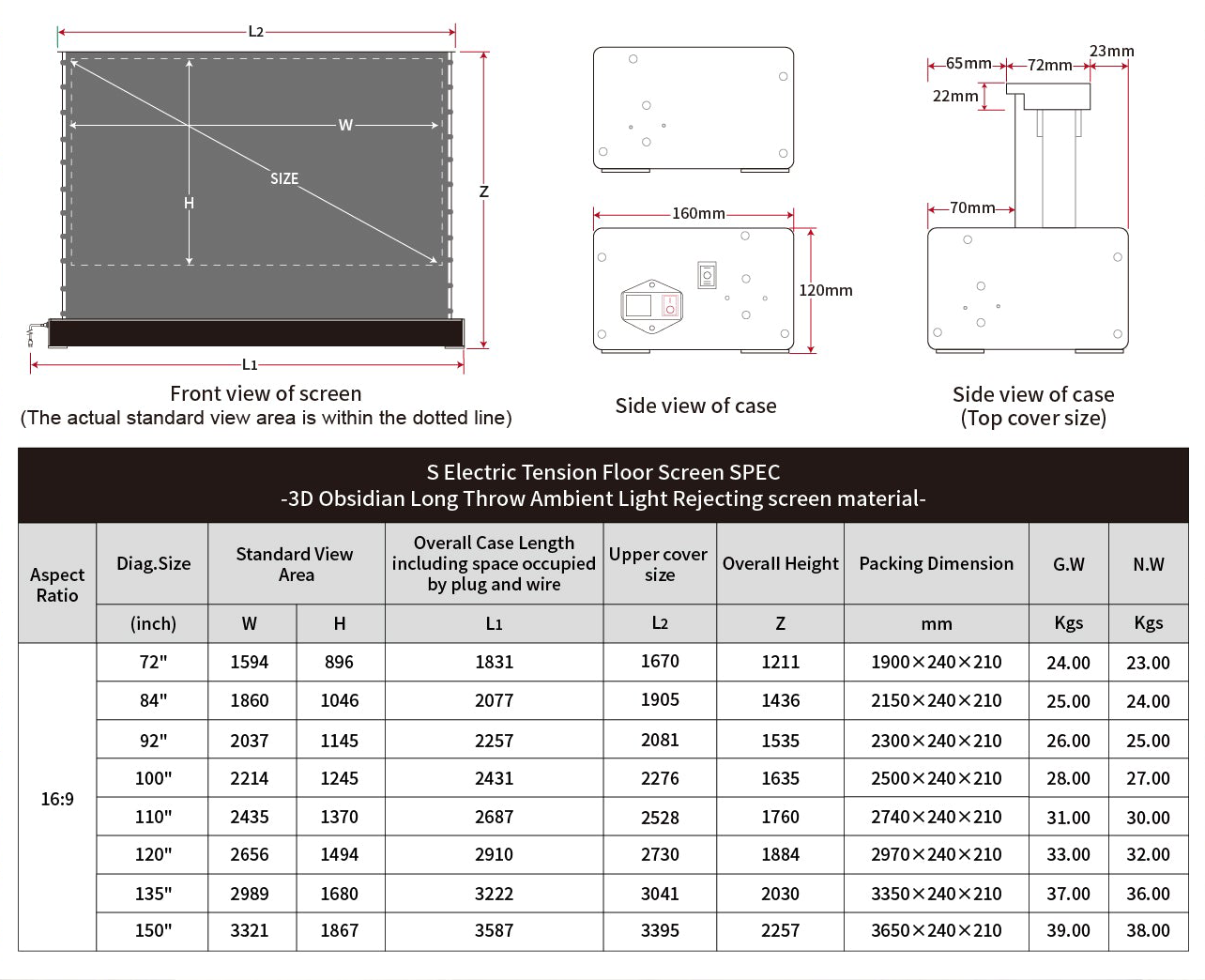
Vividstorm S Electric ALR 3D Obsidian series size chart
Please check the drawing chart before ordering, especially if the screen will sit behind furniture, inside a cabinet setup or close to side walls.
Included accessories
The screen is supplied with the essential controls and accessories for normal operation.
Wireless projector trigger compatibility is not guaranteed for all projectors and the trigger is supplied as a free gift.
Installation and operation guide
Please read the user manual before installation and operation. The manual includes safety guidance, screen operation, height adjustment and installation information.
Download user manualBefore ordering
Check the overall case length, screen height and packing dimension carefully. Larger sizes may require extra handling space during delivery and installation.